

Home > Apps > Art & Design > AR Art Projector Drawing App

| App Name | AR Art Projector Drawing App |
| Developer | Lingua Apps |
| Category | Art & Design |
| Size | 23.3 MB |
| Latest Version | 1.42 |
| Available on |
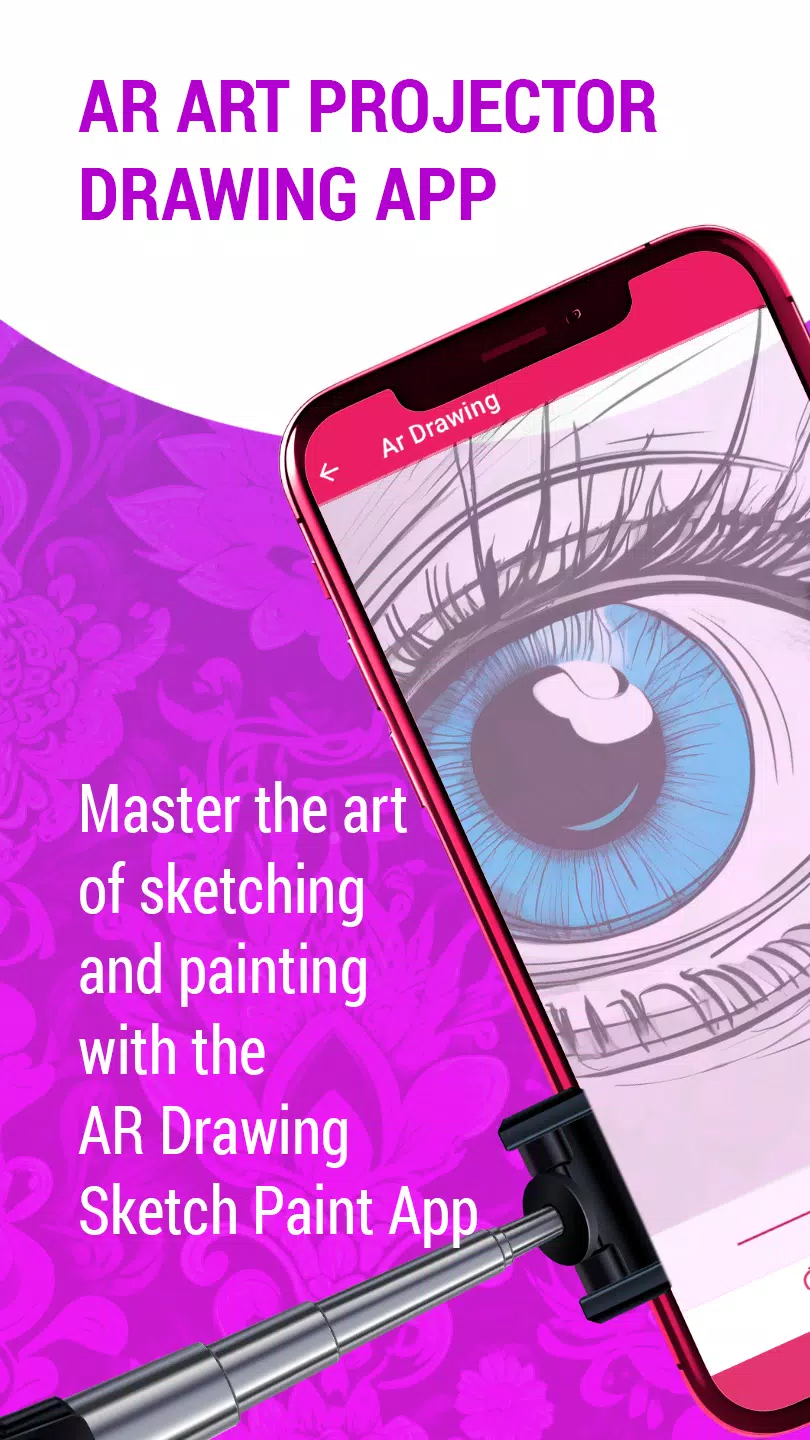
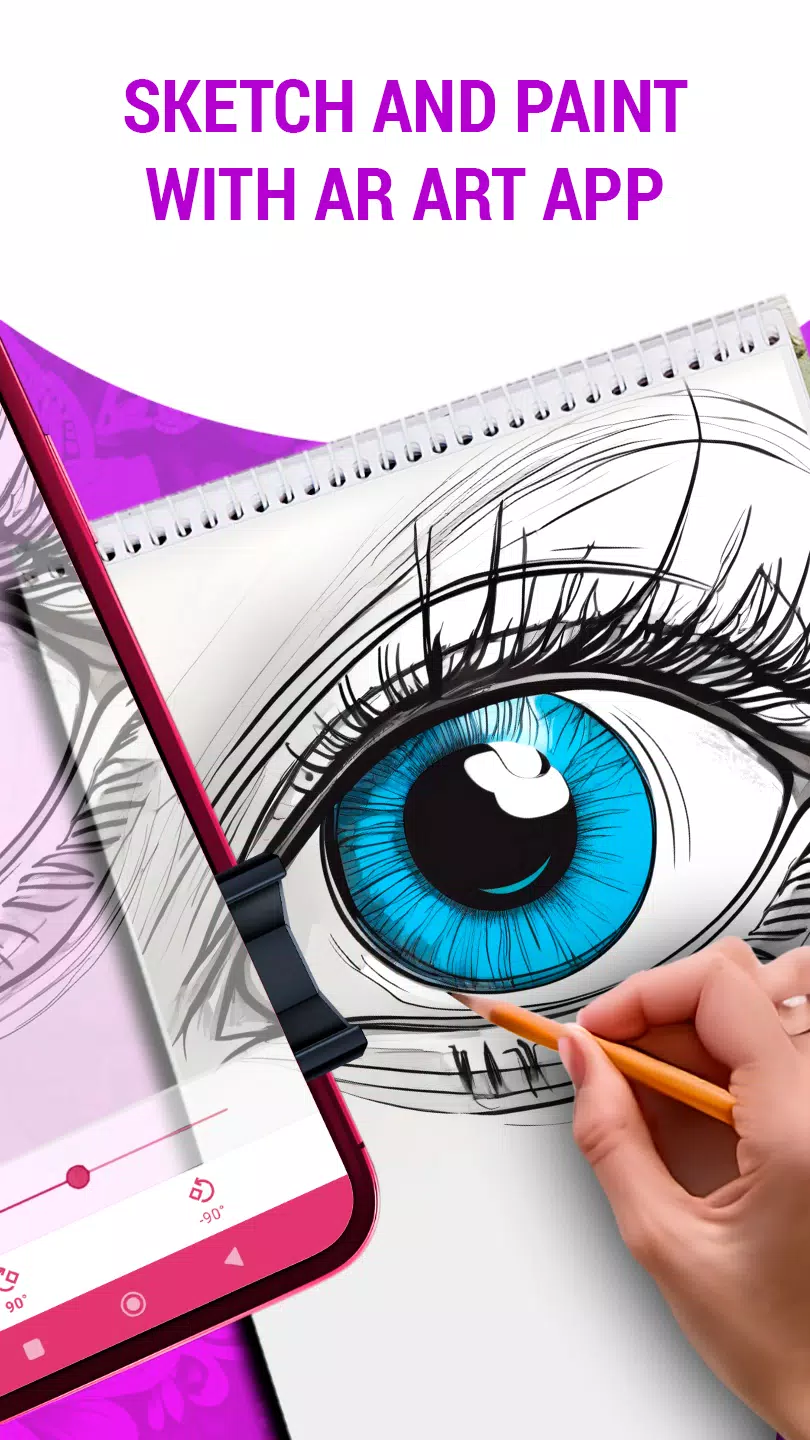


Learn the craft of sketching using the AR Art Projector Drawing application.
Unlock Your Creative Potential with the AR Art Projector Drawing App
Do you want to elevate your drawing abilities as an emerging artist? Or maybe you're an experienced creator searching for new methods to bring your artistic ideas to life? The AR Art Projector Drawing app is the perfect tool for you—a comprehensive guide to mastering drawing techniques and producing impressive artwork with augmented reality capabilities for art creation.
This innovative mobile app uses augmented reality to transform how you learn and make art. With its advanced AR projector tool, you can easily display photos from your mobile device onto any surface like paper or canvas, helping you trace and sketch images accurately and simply.
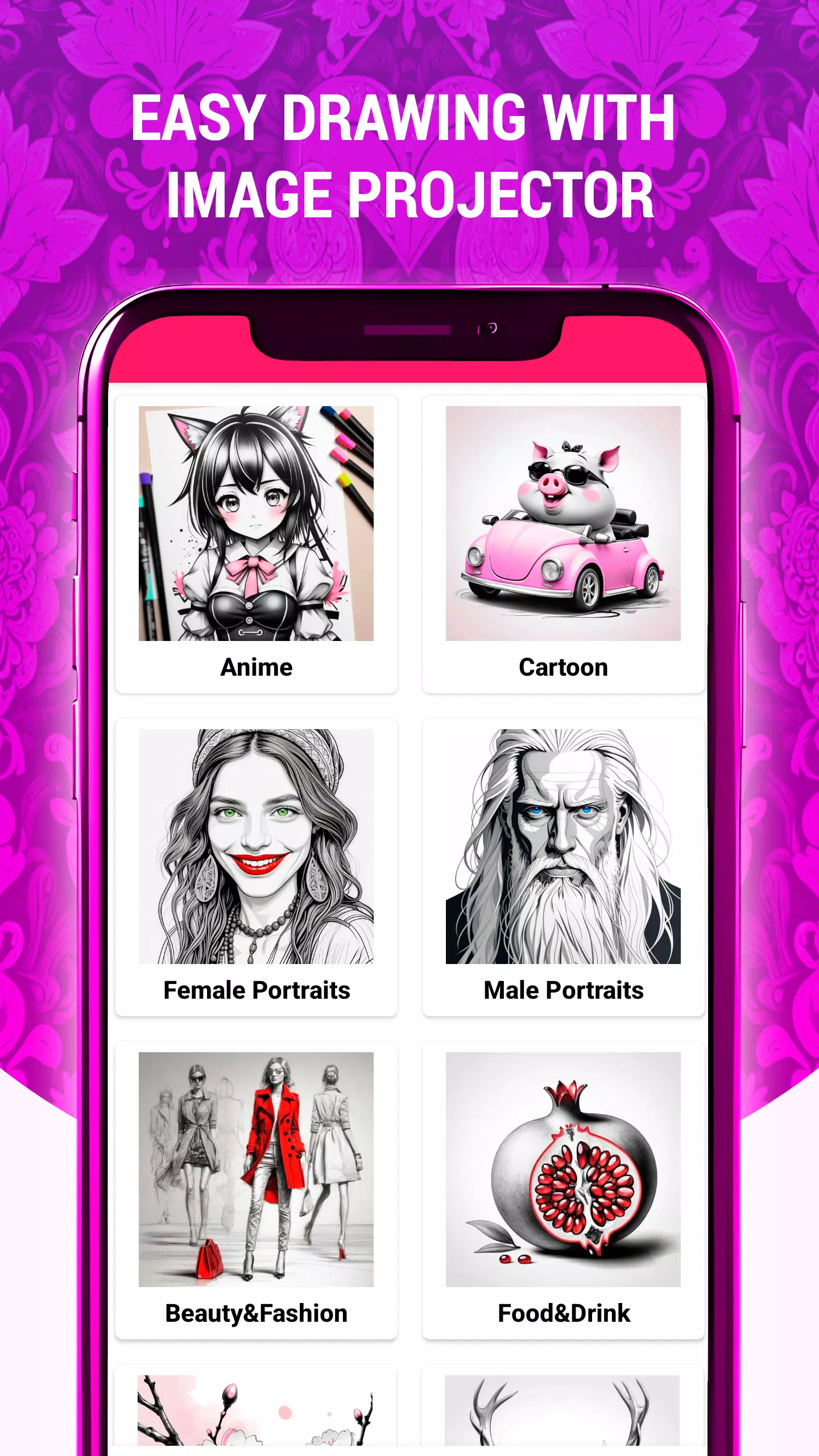
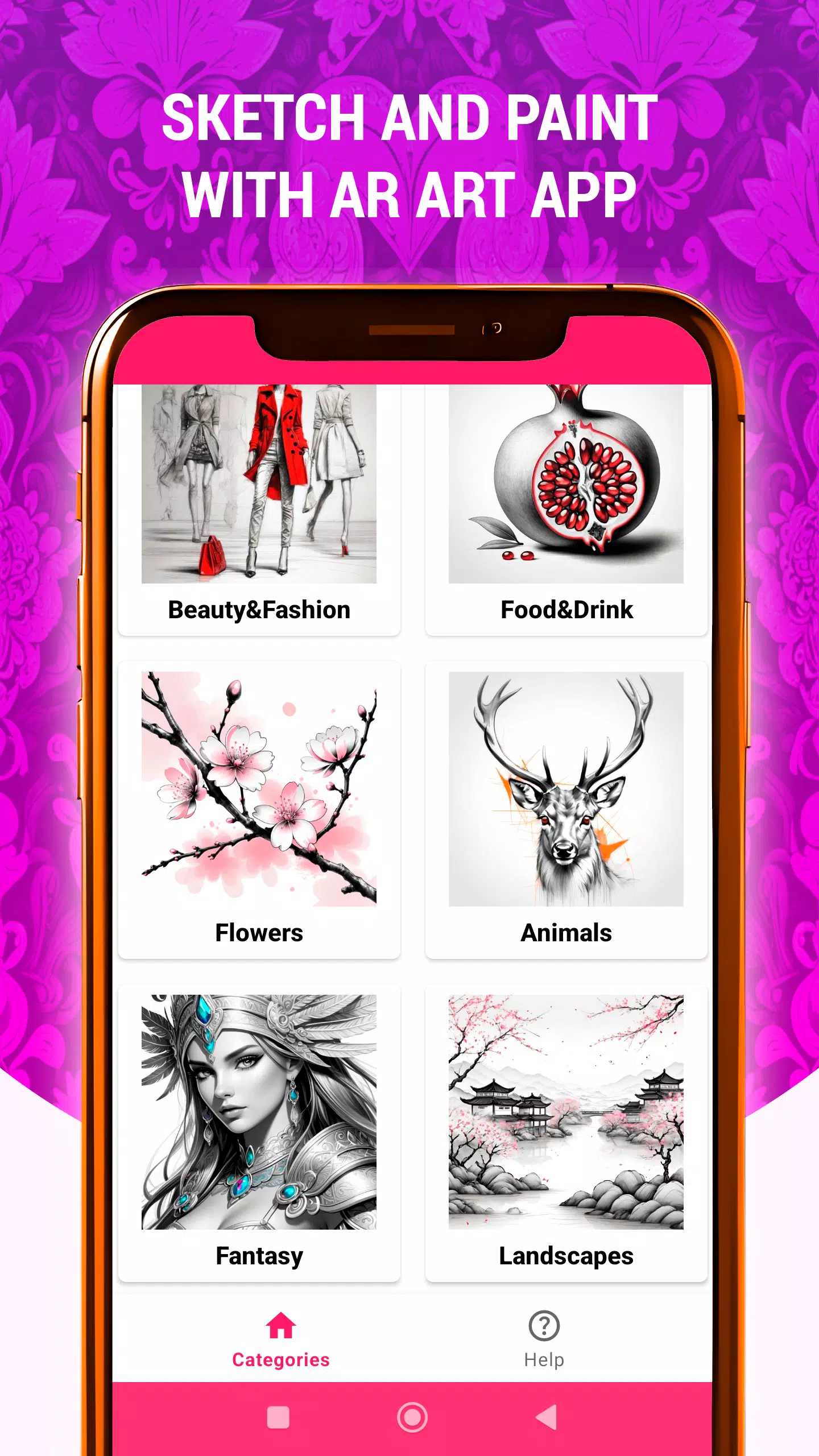
The AR art projector app includes a large library of high-quality sketches, paintings, and drawings in many different styles, making it an excellent resource for creators at every skill stage. Whether you're starting out and want to improve or you're a professional exploring new creative directions, this AR art application offers something valuable for all users.
Key features of the AR Art Projector Drawing app include:
Image Projection: Effortlessly display images onto paper or canvas using the art projector, allowing for precise tracing and drawing.
Customize Transparency, Rotation, and Zoom: Modify the projected image by changing its transparency, rotating it, or zooming for the best drawing setup.
Wide Range of Art Styles: Discover various art styles, including realistic drawings and abstract designs, to match your personal taste.
Simple Sketching Lessons: Enhance your sketching skills with step-by-step tutorials that guide you through the drawing process.
Boost Your Artistic Abilities: Use the app regularly to practice and develop drawing skills reminiscent of masters like Leonardo da Vinci.
Convert Digital Art: Easily turn digital images into pencil sketches or beautiful drawings with a few simple taps in the AR art drawing app.
Intuitive Design: Experience a smooth and easy-to-use interface built for newcomers and experts alike, ensuring an enjoyable creative process.
Multiple Tracing Categories: Trace a variety of subjects, such as Animals, Anime, Beauty & Fashion, Cartoon, Fantasy, Flowers, Food & Drink, Landscapes, and more.
Whether you want to express your creativity, improve your drawing methods, or simply enjoy making art, the AR Art Projector Drawing app is your ideal partner for a unique AR art journey. Download now and start your creative exploration today!
Latest Updates in Version 1.42
Last updated on Nov 6, 2024
Added a new AR Drawing category: "Still Life"
Included new sketches and drawings featuring still life objects like fruits, flowers, and jugs.
-
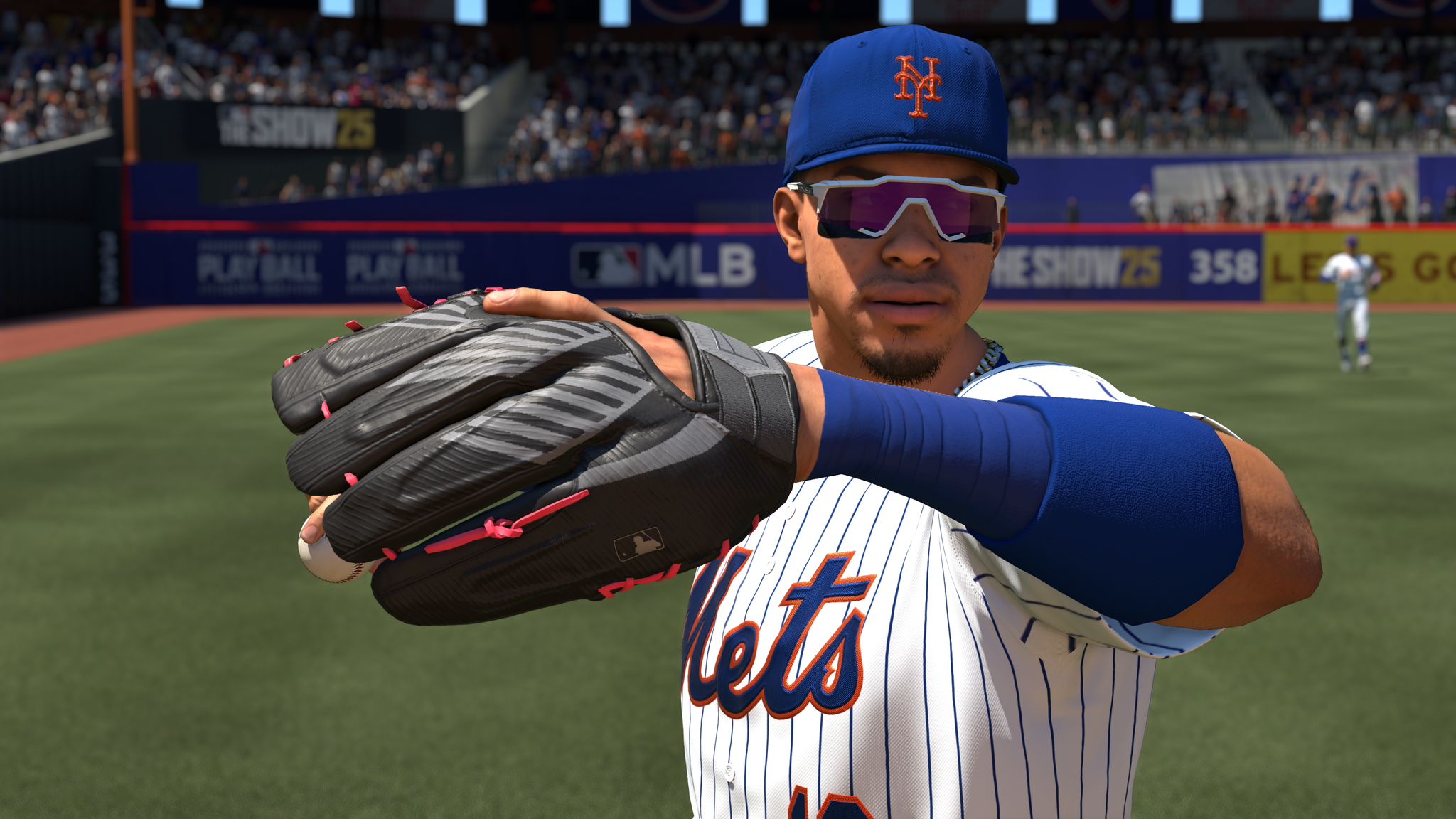 Best MLB The Show 25 Diamond Dynasty Cards & Lineups (March 2025)
-
 Archero 2 Tier List – Ranking the Best Characters in February 2025
-
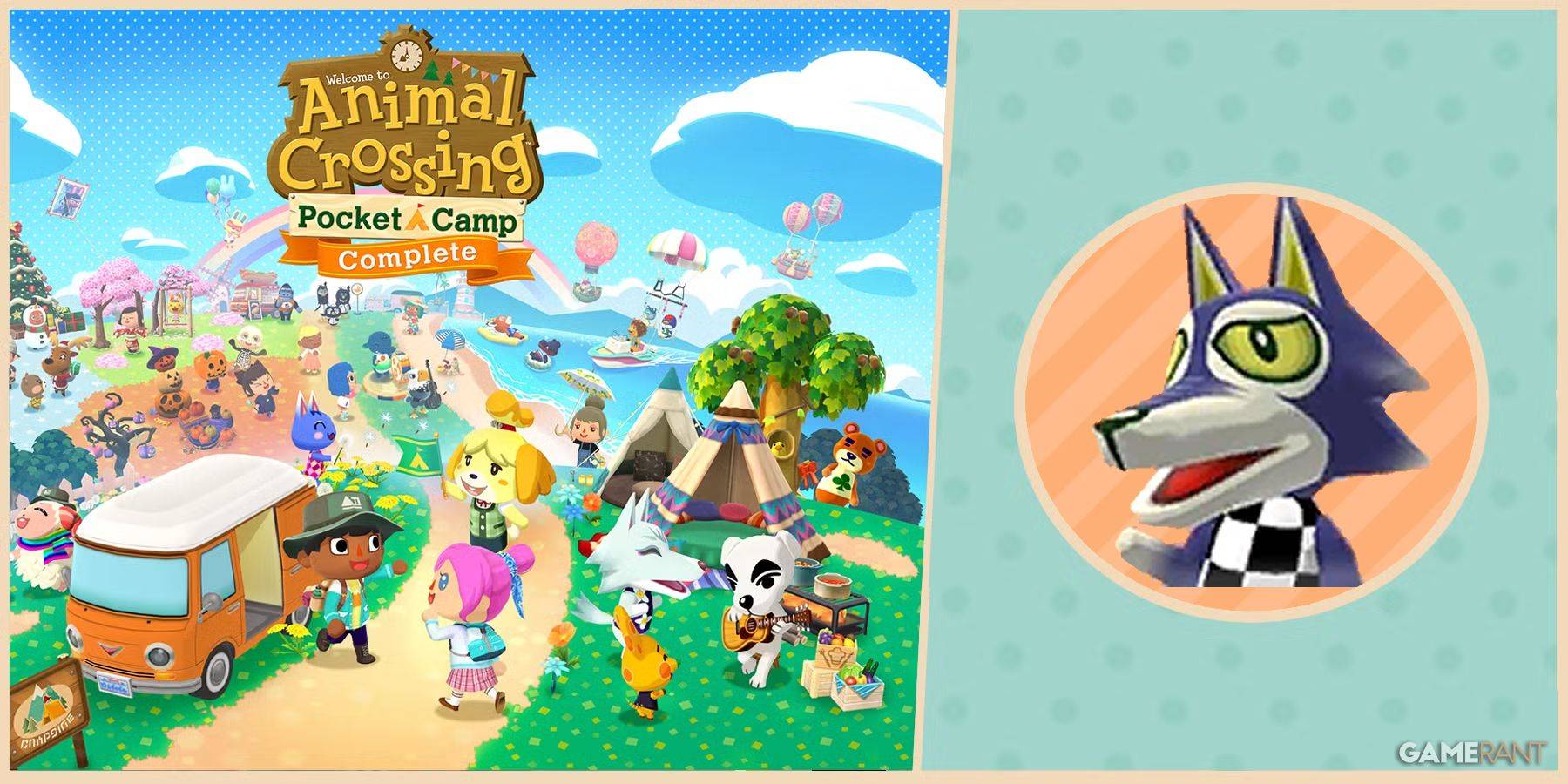 Animal Crossing: Pocket Camp Complete - How to Unlock Lobo
-
 Epic Games Unveils Free Bridge Constructor: The Walking Dead and Idle Champions Rewards
-
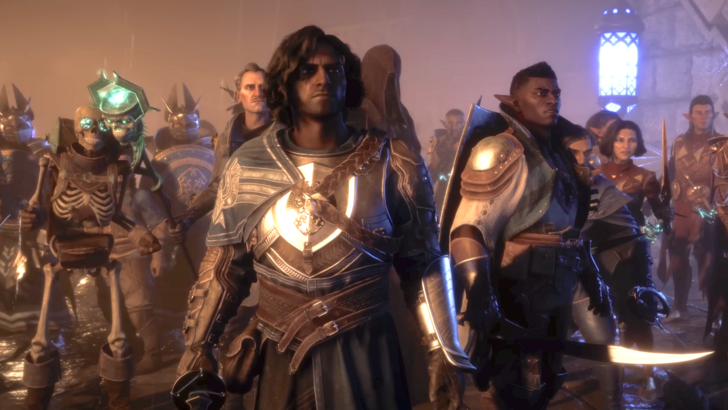 Veilguard DLC Delayed for Mass Effect 5
-
 Marvel vs Capcom 2 Original Characters May Show Up in Capcom Fighting Games