

Home > Apps > Art & Design > Drawing - Draw, Trace & Sketch

| App Name | Drawing - Draw, Trace & Sketch |
| Developer | Spiti Valley |
| Category | Art & Design |
| Size | 28.3 MB |
| Latest Version | 1.0.5 |
| Available on |


Use your phone's camera to trace and sketch images onto paper with ease.
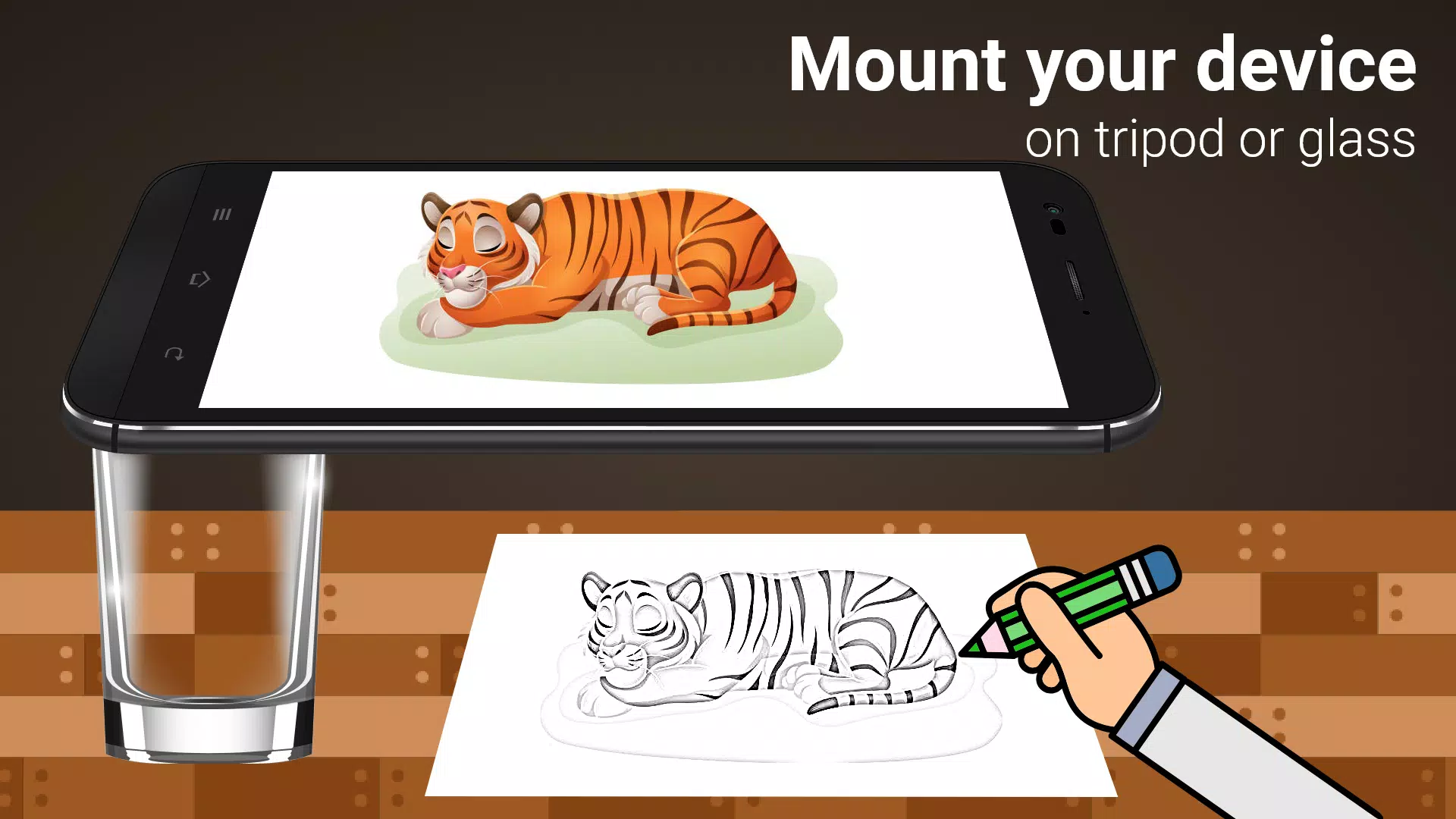
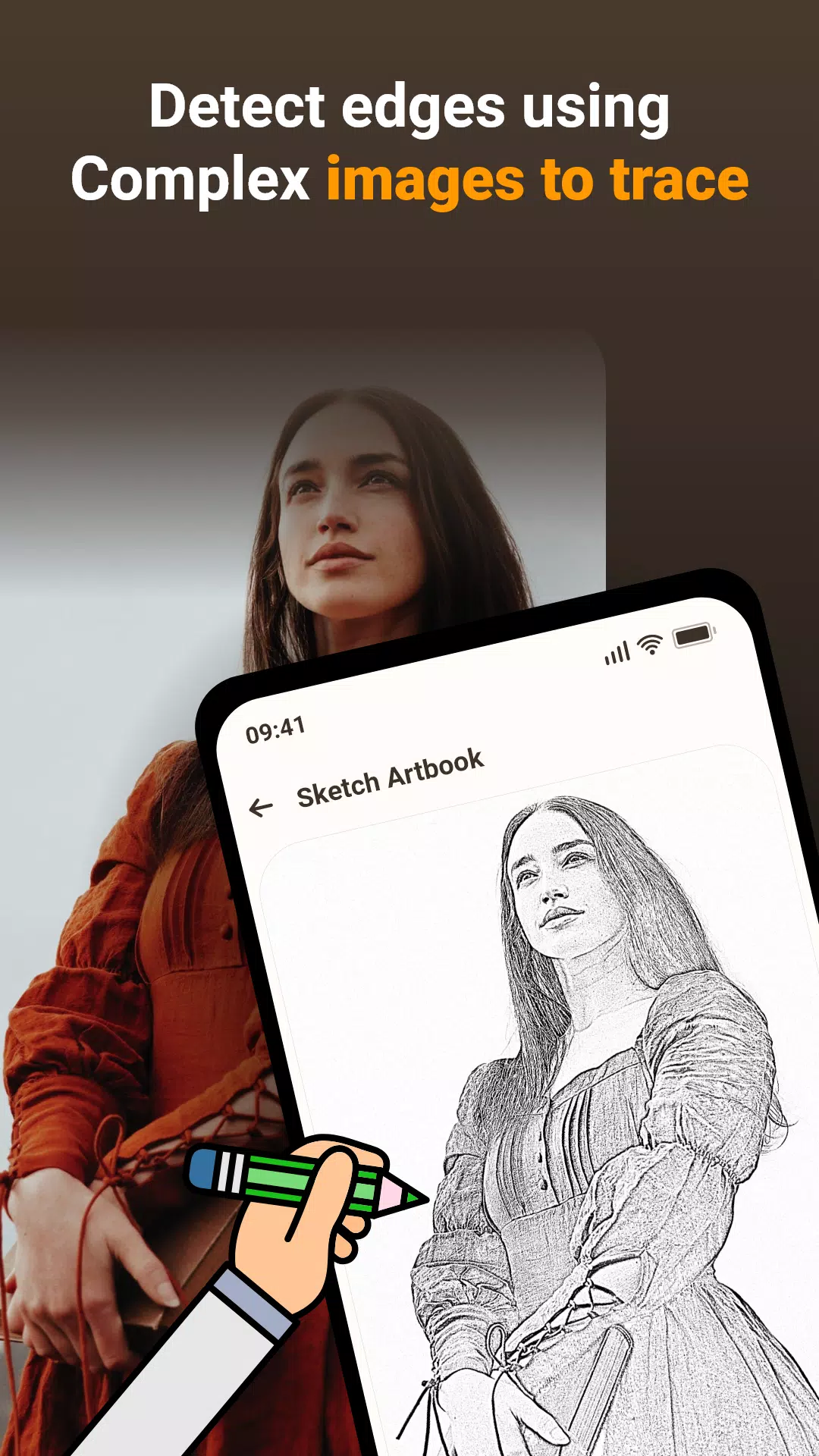
The Draw, Trace & Sketching app transforms any image into line art from photos or existing artwork. Using your phone's camera, you can trace an image directly onto paper by following the lines displayed on your screen. Trace it and sketch it—it's an effective method to learn drawing and tracing techniques.
It also streamlines the tracing process. Select an image from the app or your gallery, apply a filter to prepare it for tracing, and it will show on your screen over the camera view. Position your phone about a foot above the paper and look at the screen to draw accurately.
Main Features:
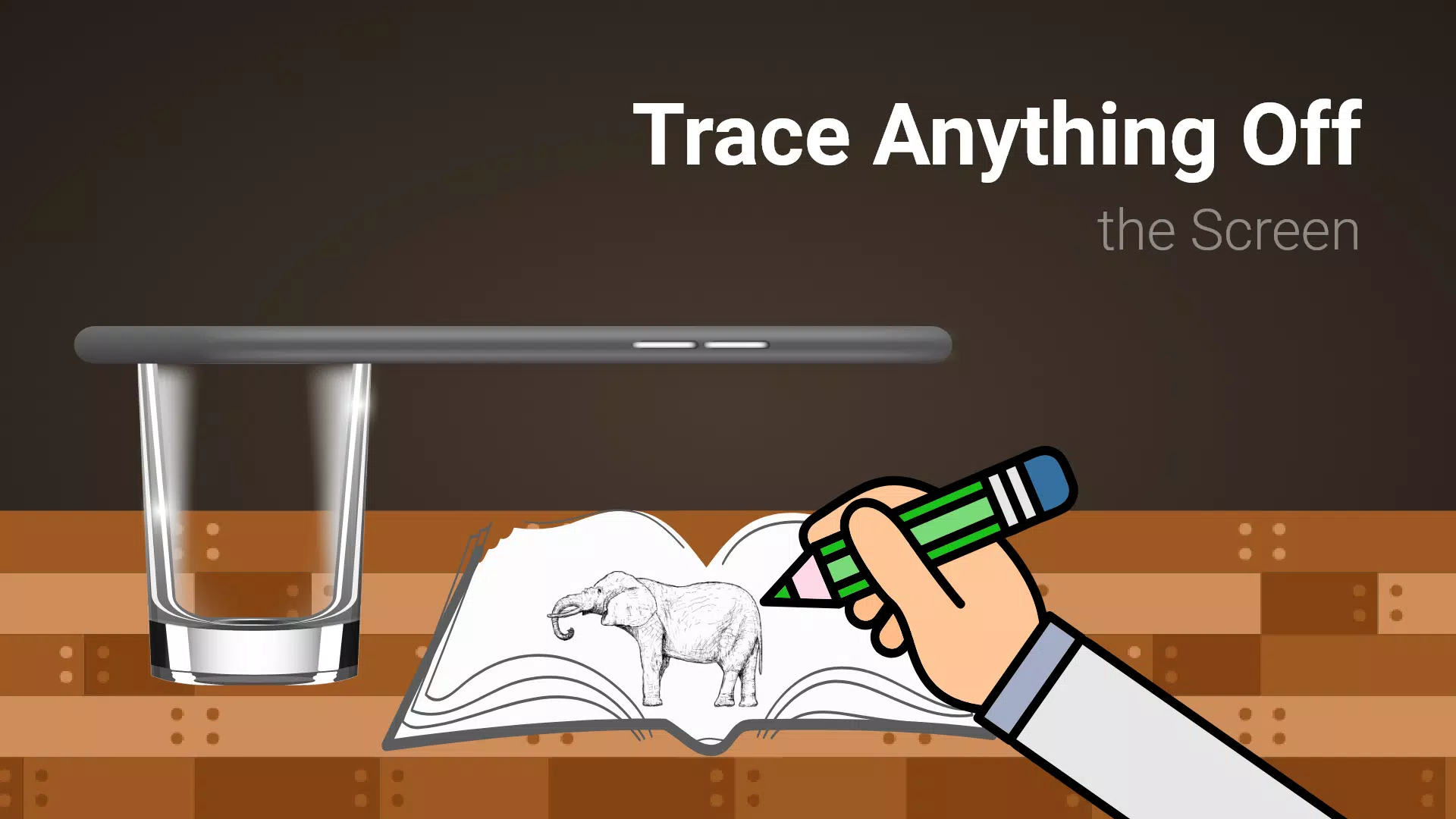
Trace any image using the camera view on your phone—the image won't physically appear on the paper, but you can reproduce it precisely.
Draw on paper while viewing a transparent image through the camera on your phone.
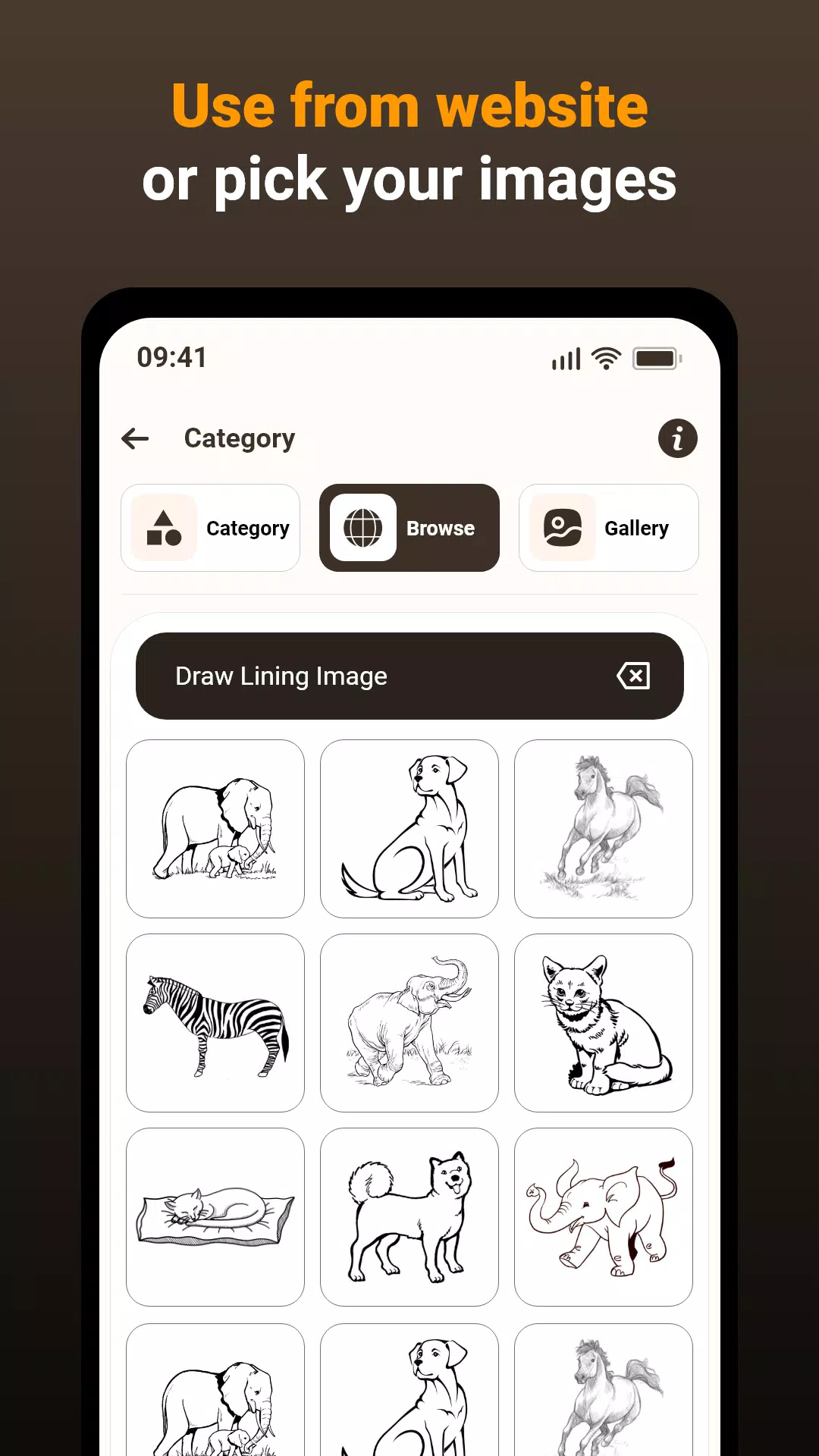
Pick from sample images within the app and use them as drawing references for your sketchbook.
Choose any photo from your gallery, turn it into a traceable image, and sketch it onto blank paper.
Adjust the image transparency or convert it into a line drawing to support your artwork.
This app lets users trace images from their phone's camera onto paper, making drawing and sketching more accessible. Here's how it works:
1. Image Selection:
Pick an image from your gallery or capture a new one using the camera.
2. Applying Filters & Camera Display:
Apply a filter to make the image transparent on the camera screen. Place drawing paper or a sketchbook underneath and start tracing.
3. Tracing onto Paper:
The image doesn't print on the paper, but you see a transparent overlay through the camera to guide your tracing.
4. Drawing Process:
Draw on paper while watching the phone screen with the transparent image overlay.
5. Converting Images:
Select any image and convert it into a traceable outline.
Image Tracing:
The app supports tracing by showing images via your phone's camera feed, enabling accurate reproduction on paper.
Transparent Image:
Yes—the camera displays the image with transparency, overlaying it onto your real-world view. This makes tracing onto paper simple and intuitive.
Real-time Tracing:
Exactly! You can draw on paper while the phone screen shows a transparent version of the image, helping you trace and replicate it with precision.
Sample Images:
Of course! Use the built-in sample images to practice tracing and build your drawing confidence and skills.
Gallery Images:
Precisely! Choose images from your gallery and convert them into traceable templates for sketching, adding great flexibility to the app.
This app is a helpful tool for improving drawing skills, practicing tracing, and creating art from real-life references. By blending technology with traditional drawing, it delivers a convenient and efficient learning experience.
What's New in the Latest Version 1.0.5
Last updated on Mar 15, 2024
Fixed issues.
-
 Best MLB The Show 25 Diamond Dynasty Cards & Lineups (March 2025)
-
 Archero 2 Tier List – Ranking the Best Characters in February 2025
-
 Animal Crossing: Pocket Camp Complete - How to Unlock Lobo
-
 Epic Games Unveils Free Bridge Constructor: The Walking Dead and Idle Champions Rewards
-
 Veilguard DLC Delayed for Mass Effect 5
-
 Marvel vs Capcom 2 Original Characters May Show Up in Capcom Fighting Games