

Home > Apps > Art & Design > Esport Logo Maker -Logo Maker

| App Name | Esport Logo Maker -Logo Maker |
| Developer | Millionaire Appx |
| Category | Art & Design |
| Size | 25.1 MB |
| Latest Version | 1.0.20 |
| Available on |
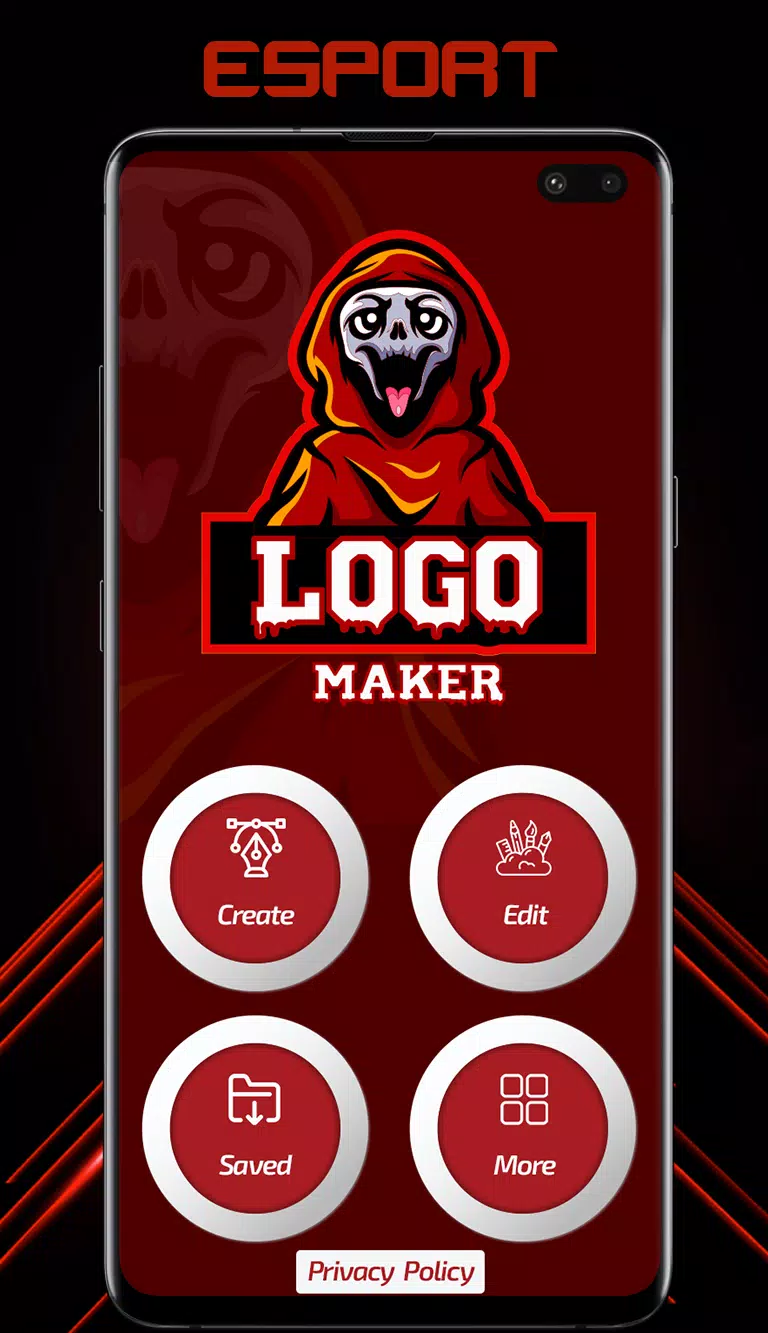
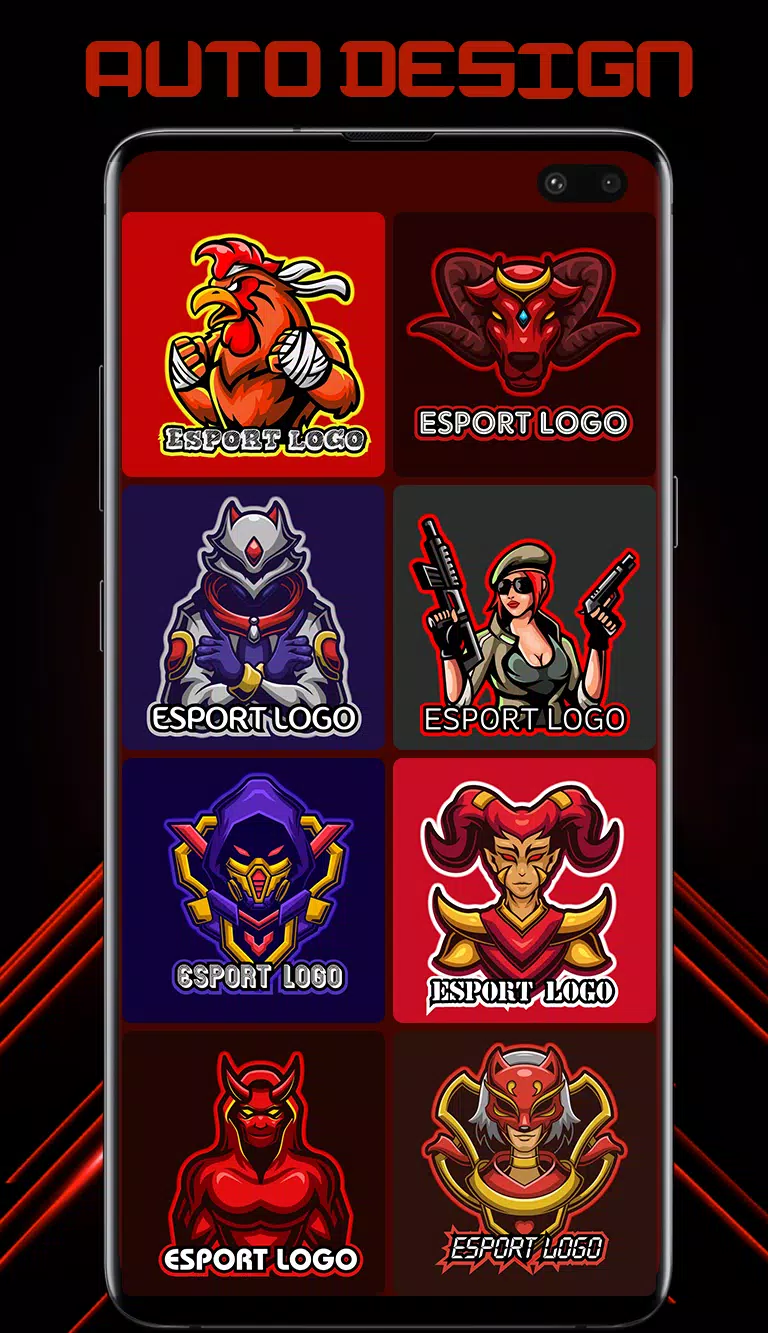
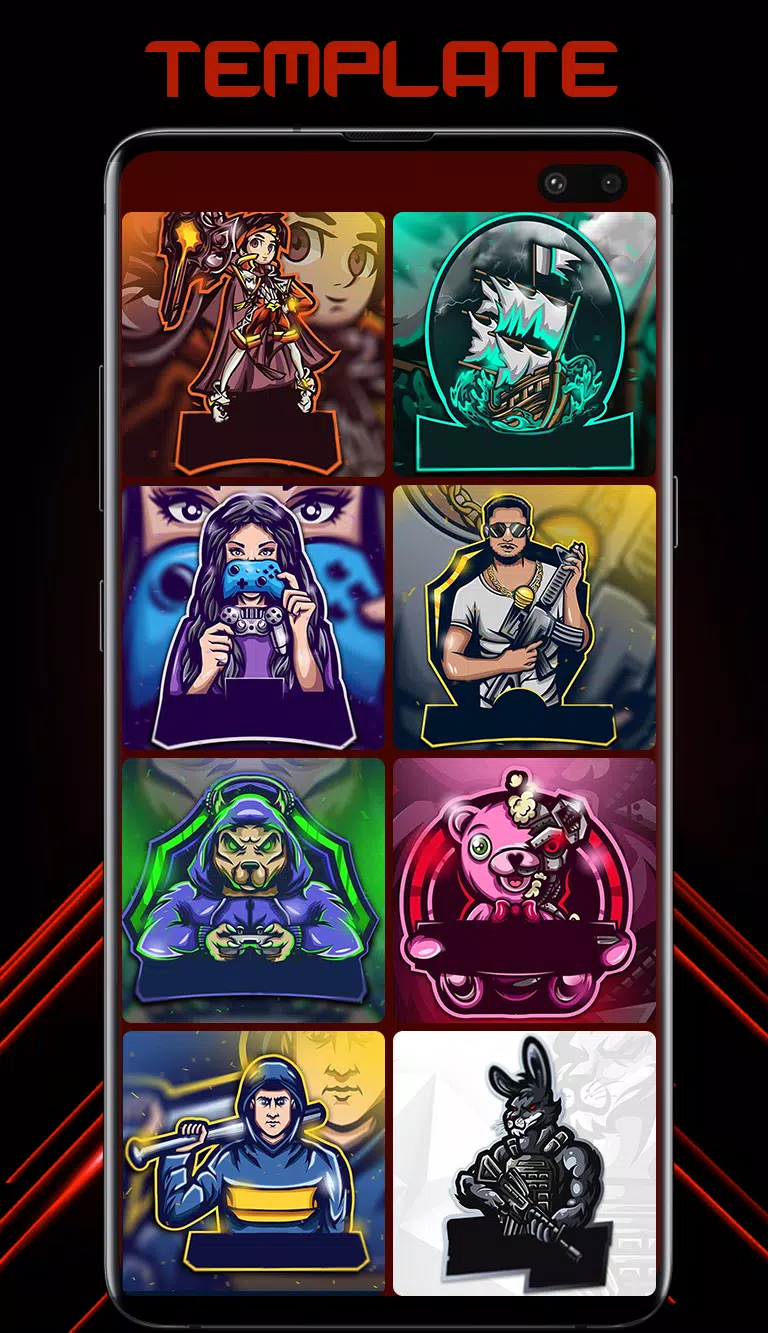
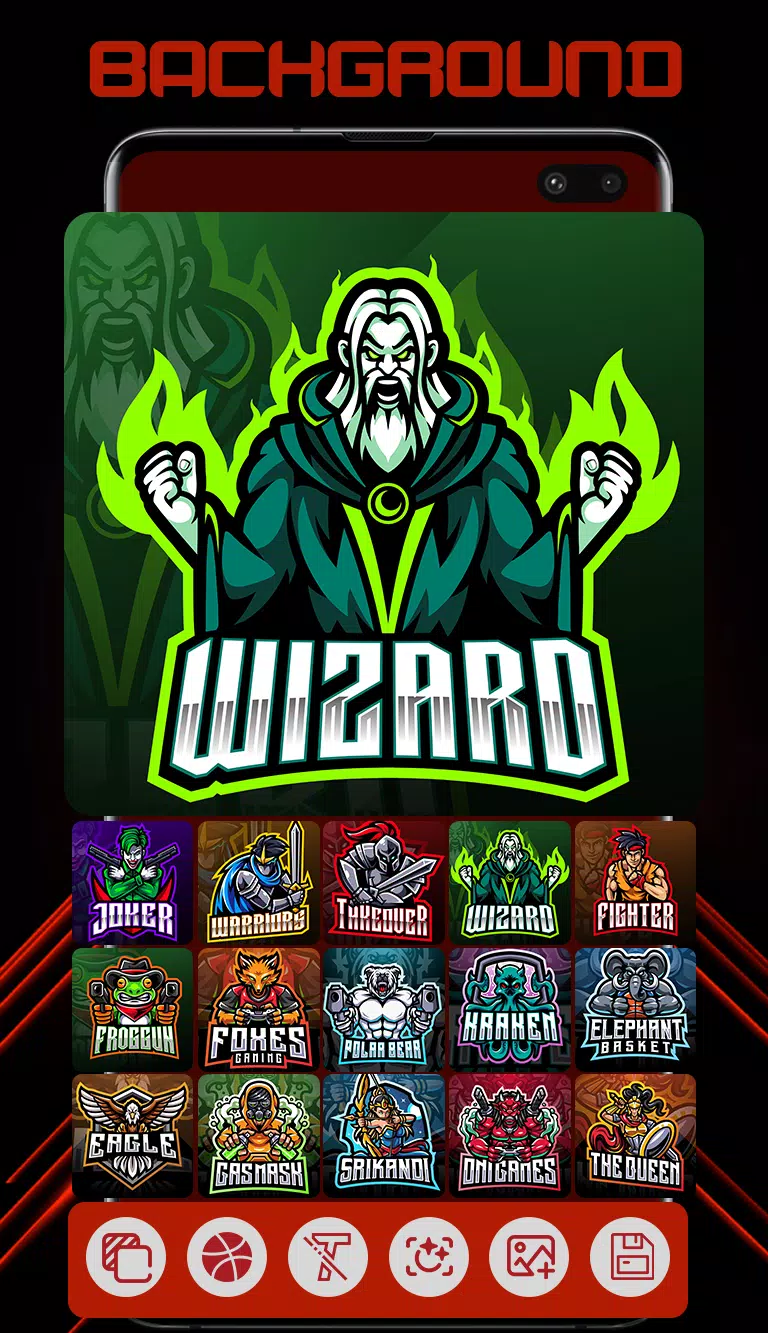


Logo Maker comes fully loaded with gaming logo templates to help you craft standout esports logos.
Esport Logo Maker is the best and easiest logo designer app for creating professional, unique, and impressive logos for your gaming team. It is specifically designed for gaming teams and gaming-related branding. The app is extremely user-friendly, allowing you to create a logo in seconds. Logo design has never been simpler. Choose from over 300+ customizable logo templates crafted by professional designers, then personalize your selected design using more than 250+ fonts and background design assets. Access a wide variety of icons, avatars, and mascots to build your ideal logo. Pick from 300+ ready-to-use logo templates featuring themes like soldier, animal, samurai, ninja, assassin, gamer, archer, and skull mascot. Save and share your logos as high-resolution Transparent PNGs or with custom backgrounds.
Esport Logo Maker Features:
- 300+ customizable logo templates: Esport Logo Maker offers a range of stunning gaming logo designs, from simple layouts to complex combinations. Every element is fully adjustable, letting you create unique, personalized logos in minutes.
- Easy to edit: Use fast and simple text editing tools to adjust text size, spacing, and colors.
- Esport Logo Maker recommends the best color combinations for each logo.
- 100+ stylish, professionally designed gaming fonts for your team name.
- Choose your background: Numerous beautiful backgrounds designed especially for logos. Pick the best background to match your logo, or choose a favorite solid color.
Follow these steps to create an outstanding logo for your team:
1. Enter your logo name and continue.
2. Esport Logo Maker then suggests 300+ ready-to-use logos with your name included.
3. Simply pick one of the templates.
4. Customize by changing text, font, color, size, stroke, outline, and backgrounds.
5. Your logo is ready. Save and share as a Transparent PNG or with custom backgrounds.
-
 Best MLB The Show 25 Diamond Dynasty Cards & Lineups (March 2025)
-
 Archero 2 Tier List – Ranking the Best Characters in February 2025
-
 Animal Crossing: Pocket Camp Complete - How to Unlock Lobo
-
 Epic Games Unveils Free Bridge Constructor: The Walking Dead and Idle Champions Rewards
-
 Veilguard DLC Delayed for Mass Effect 5
-
 Marvel vs Capcom 2 Original Characters May Show Up in Capcom Fighting Games