

Home > Apps > Art & Design > JUMP PAINT by MediBang

| App Name | JUMP PAINT by MediBang |
| Developer | MediBang Inc. |
| Category | Art & Design |
| Size | 30.8 MB |
| Latest Version | 6.2 |
| Available on |
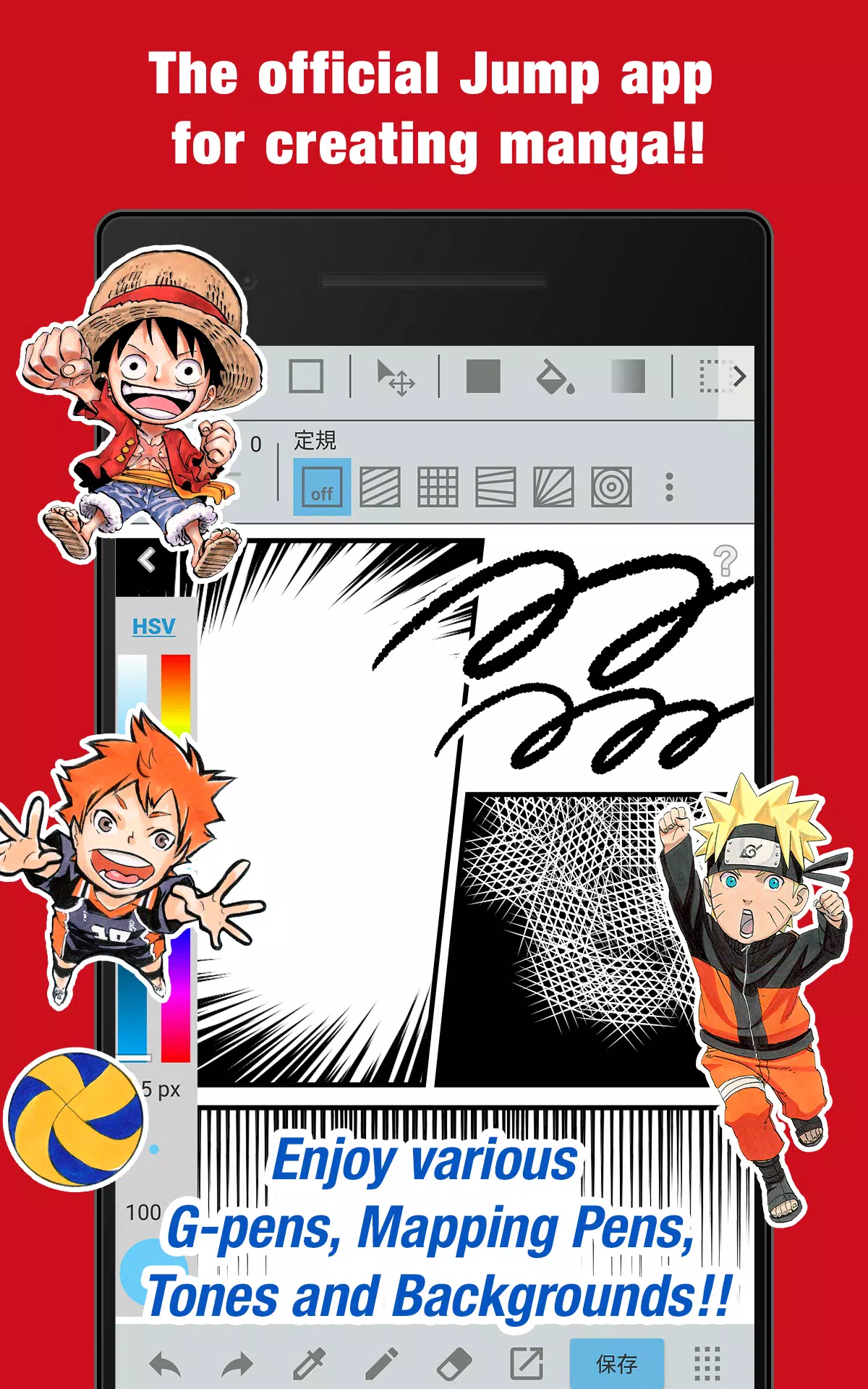


The official Jump app for creating manga! Packed with insider tips from Jump authors!
■ A totally free app for making official Weekly Shonen Jump manga and illustrations!
G-pens, Mapping Pens, Tones, and Backgrounds are all free to use!
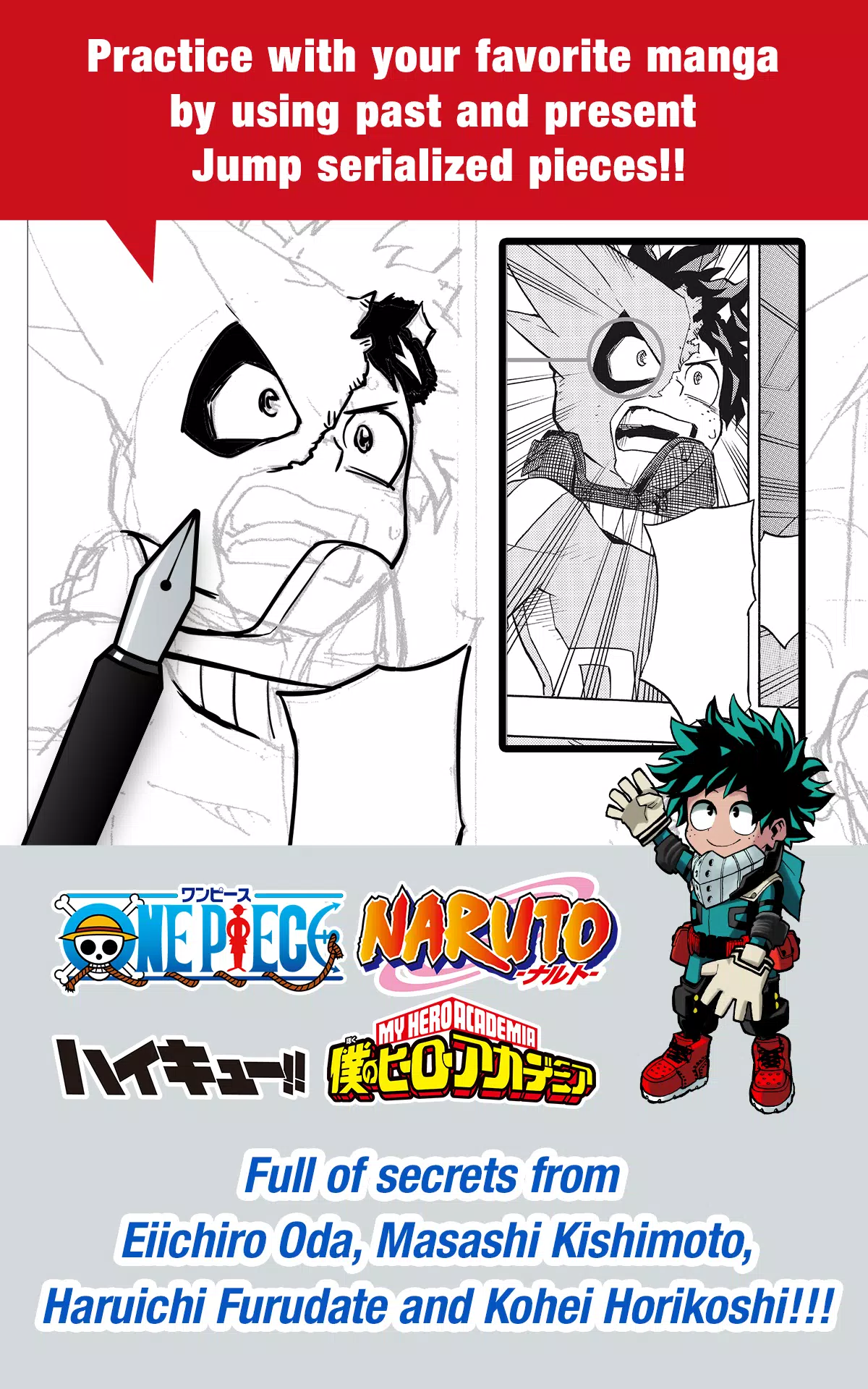
■ Practice with your favorite manga using past and present Jump serialized works!
Filled with secrets from renowned Jump authors like Eiichiro Oda (One Piece) and Kohei Horikoshi (My Hero Academia)!
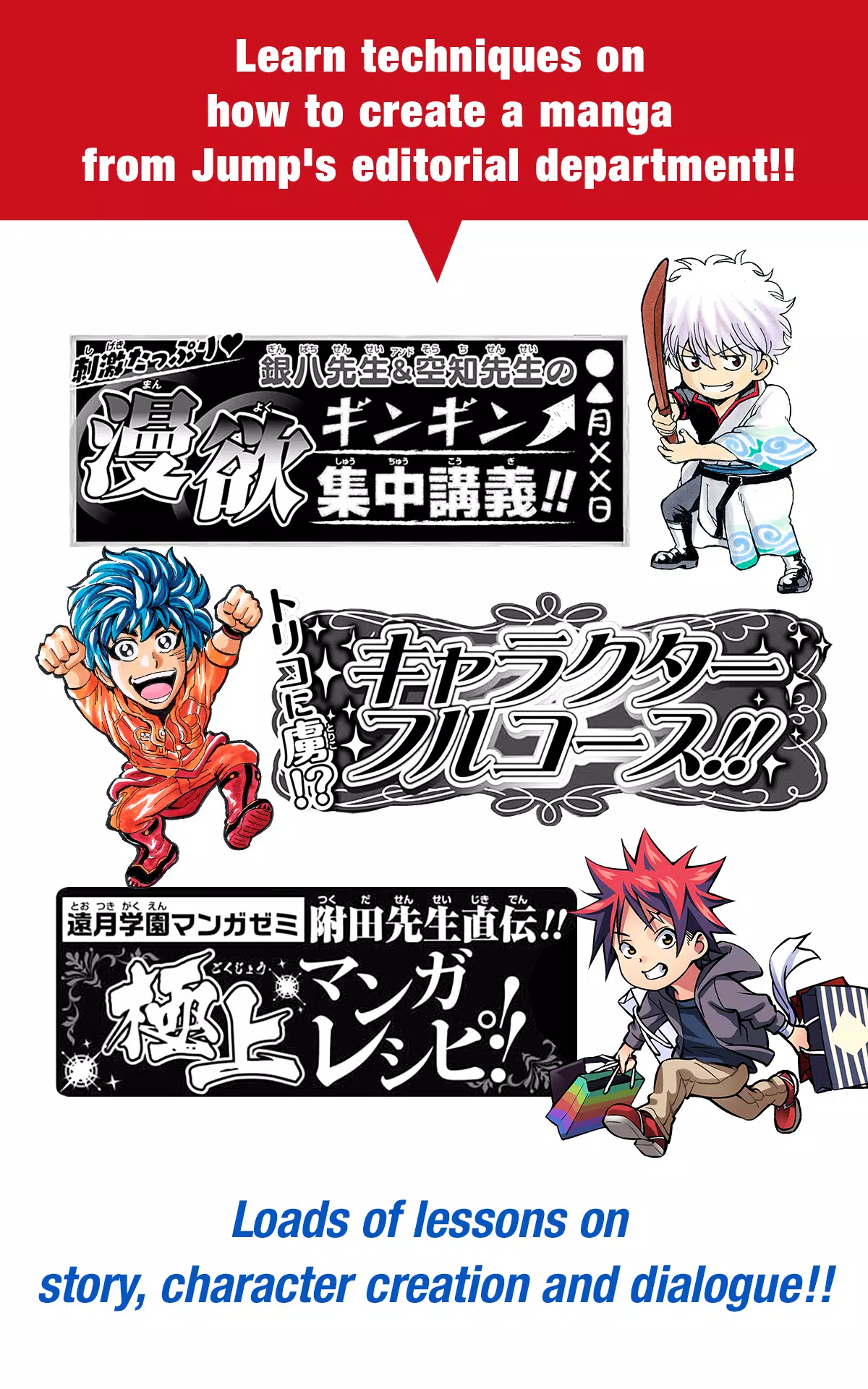
■ Learn professional manga creation techniques from Jump’s editorial team!
Plenty of lessons covering story development, character creation, and dialogue!
■ You can even enter Jump contests!
The app keeps you updated on each contest. Don’t miss your chance!
What is JUMP PAINT?
It’s the ultimate manga and illustration app—created through a collaboration between MediBang Paint (12 million downloads) and Weekly Shonen Jump.
JUMP PAINT was designed to give creators a mobile-friendly environment using MediBang Paint’s powerful features.
JUMP PAINT is the perfect software for creating comics and illustrations, packed with brushes, materials, and manga fonts.
■ Draw Anywhere!
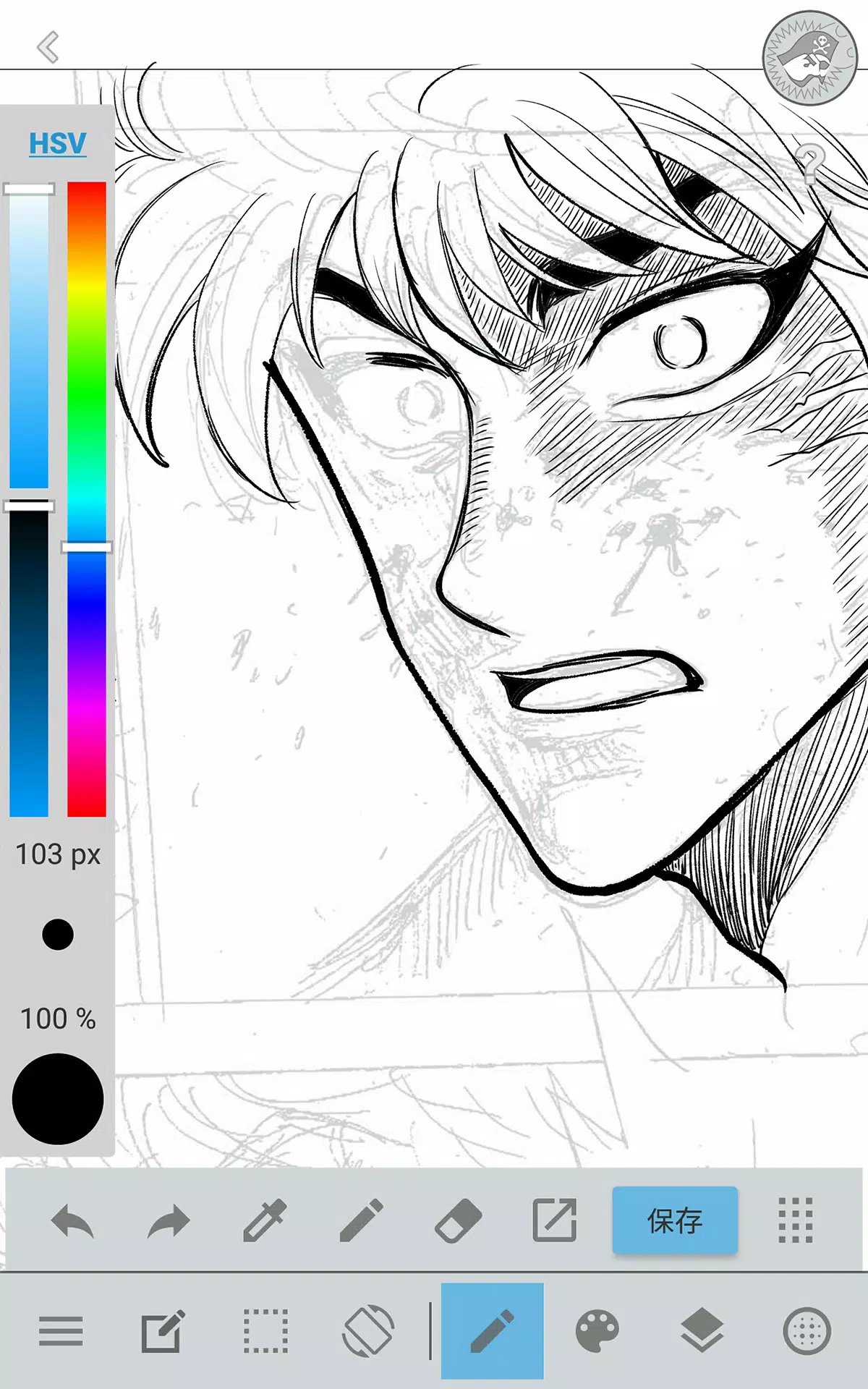
・JUMP PAINT brings nearly all the features of a desktop painting app right to your pocket.
・Built with a clean, intuitive interface specifically made for iPhone.
・Open and close the UI with a single tap.
・The sleek design lets you easily adjust brush sizes and color modes.
■ Painting Tools
・90 free brushes!
・Including Pen, Pencil, Watercolor, Blur, Smudge, G Pen, Mapping Pen, Rotation Symmetry, Edge Pens, and over 50 more brushes like Flat Brush, Round Brush, Acrylic, School Pen, and Soft Pastel.
・Force Fade In and Out keeps lines crisp, even when drawing with your fingers.
・Create and customize your own brushes.
■ Free Resources
・800+ free tones and backgrounds available.
・Includes premade clouds, buildings, and vehicles.
・Add tones instantly with one tap.
■ Layers
・Supports layers with blending modes.
・Keep different parts of your artwork organized.
■ Comic Fonts
・Change the feel of your comics with professional fonts.
・Express character moods and personalities.
・Access 50 fonts used by industry pros.
■ Comic Creation
・Drag across the screen to easily create comic panels.
・Resize and reshape them freely.
■ User Friendly
・Customizable shortcuts available.
・Beginner-friendly design.
・Interface built to maximize drawing space.
・Switch to full-screen mode with one tap.
■ Other Tools
・Guides for perspective drawing, lines, and curves.
・Stroke correction for smoother lines.
■ Photo Reference
・Take photos in-app and use them as references on a separate layer.
・Great for studying or learning to draw new subjects.
■ Cloud Storage
・Securely backup and manage your work.
・Transfer files with ease.
■ Manage Project
・Save and organize multi-page documents.
■ Syncability
・Sync your presets with the PC version of JUMP PAINT.
■ Team Creation
・Work together with friends, no matter where they are.
■ Auto Recovery
・Automatically backup your work if your device crashes.
IMPORTANT
To use the app's cloud features, you need a MediBang account (https://medibang.com/).
-
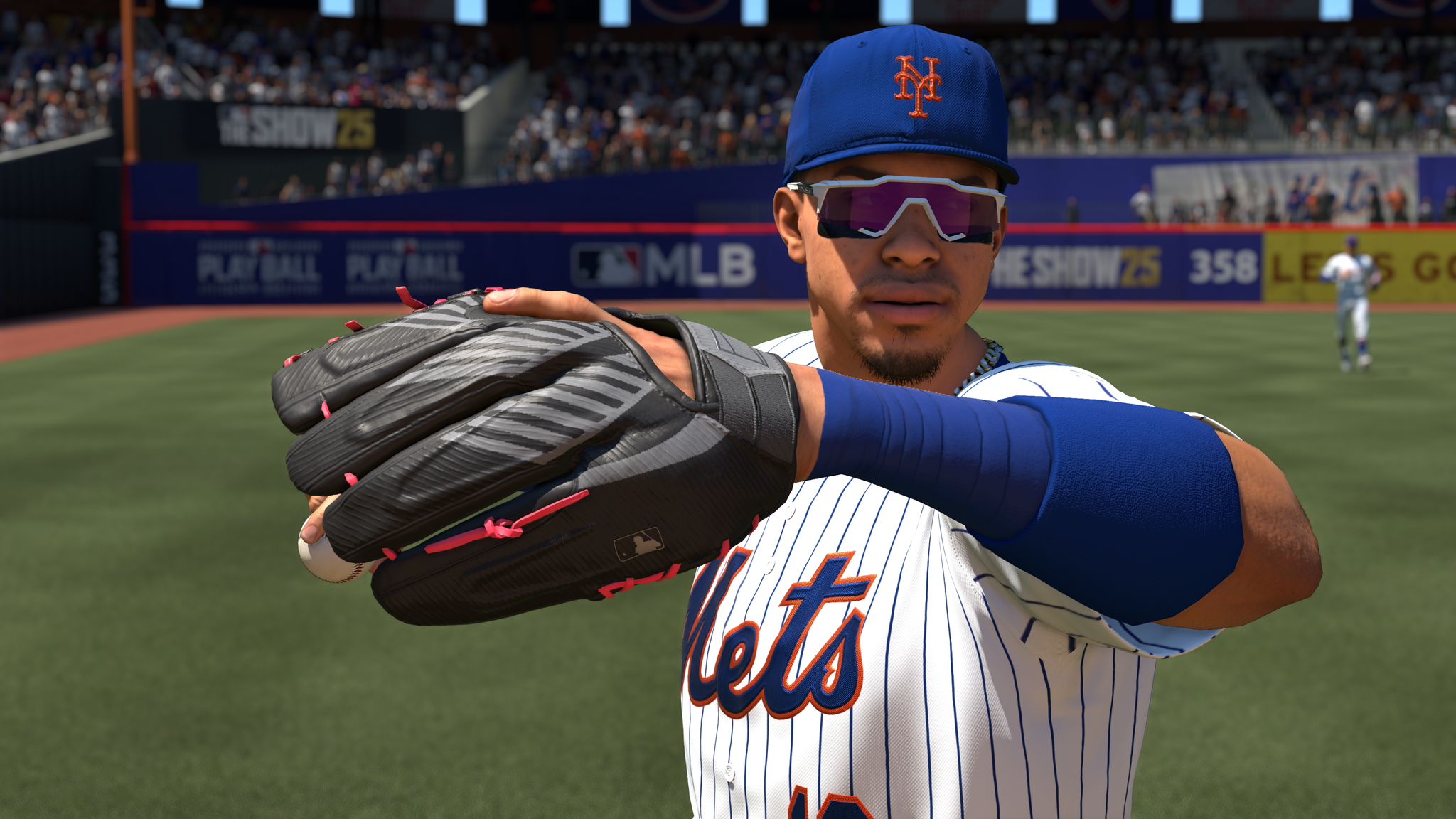 Best MLB The Show 25 Diamond Dynasty Cards & Lineups (March 2025)
-
 Archero 2 Tier List – Ranking the Best Characters in February 2025
-
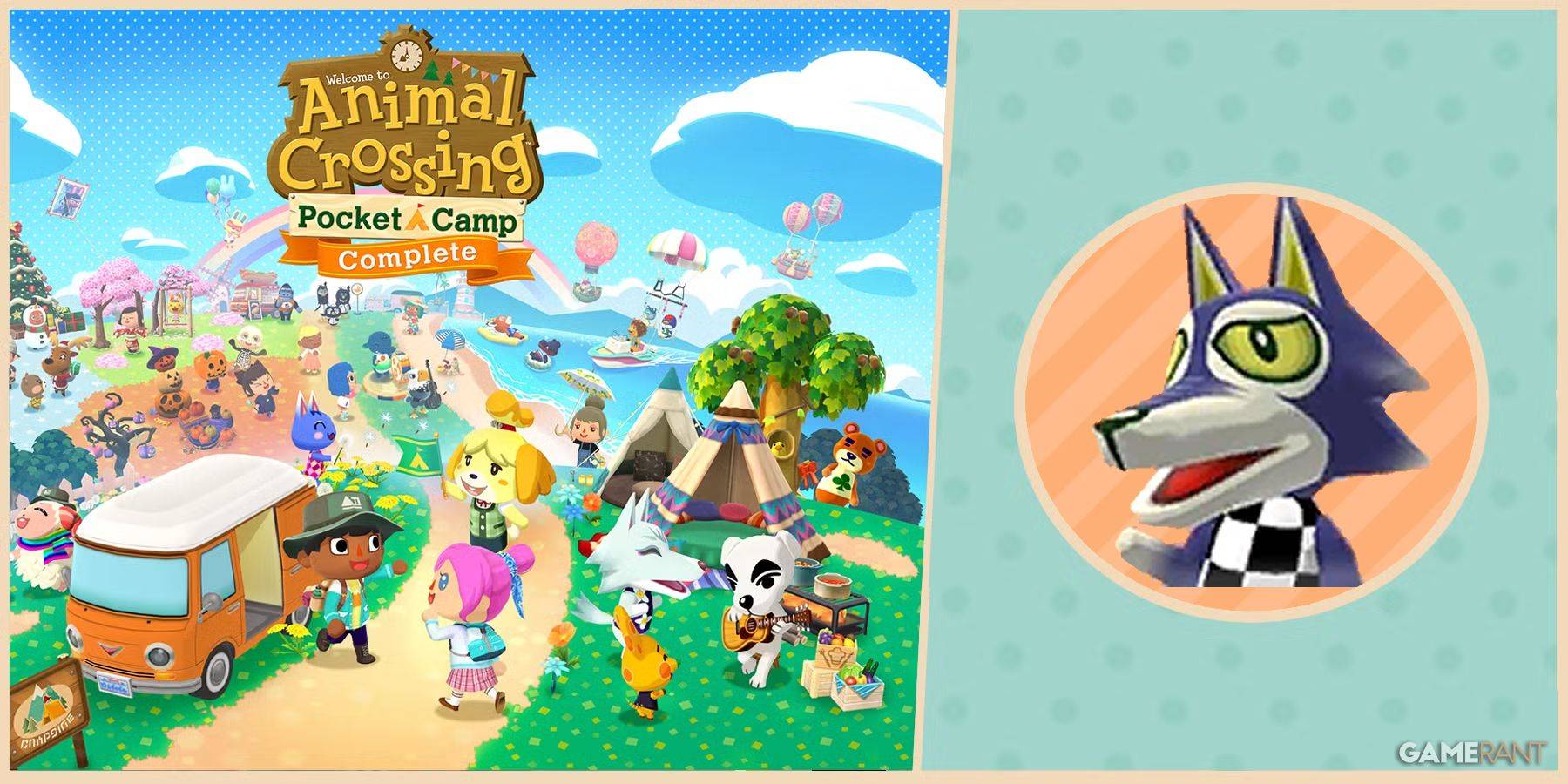 Animal Crossing: Pocket Camp Complete - How to Unlock Lobo
-
 Epic Games Unveils Free Bridge Constructor: The Walking Dead and Idle Champions Rewards
-
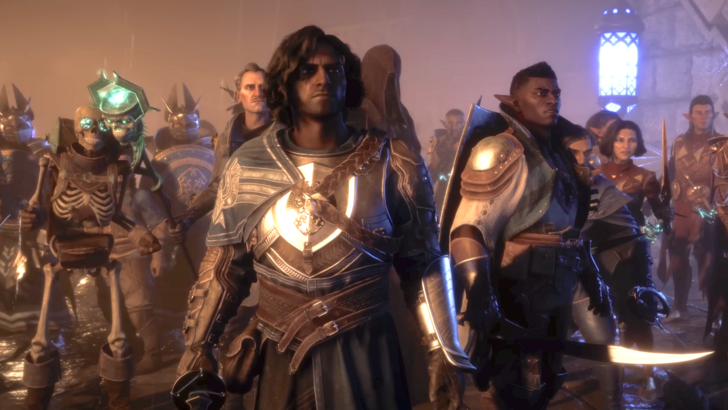 Veilguard DLC Delayed for Mass Effect 5
-
 Marvel vs Capcom 2 Original Characters May Show Up in Capcom Fighting Games