

Home > Apps > Art & Design > Logo maker AI Logo generator

| App Name | Logo maker AI Logo generator |
| Developer | VideoRey |
| Category | Art & Design |
| Size | 18.7 MB |
| Latest Version | 3.6 |
| Available on |
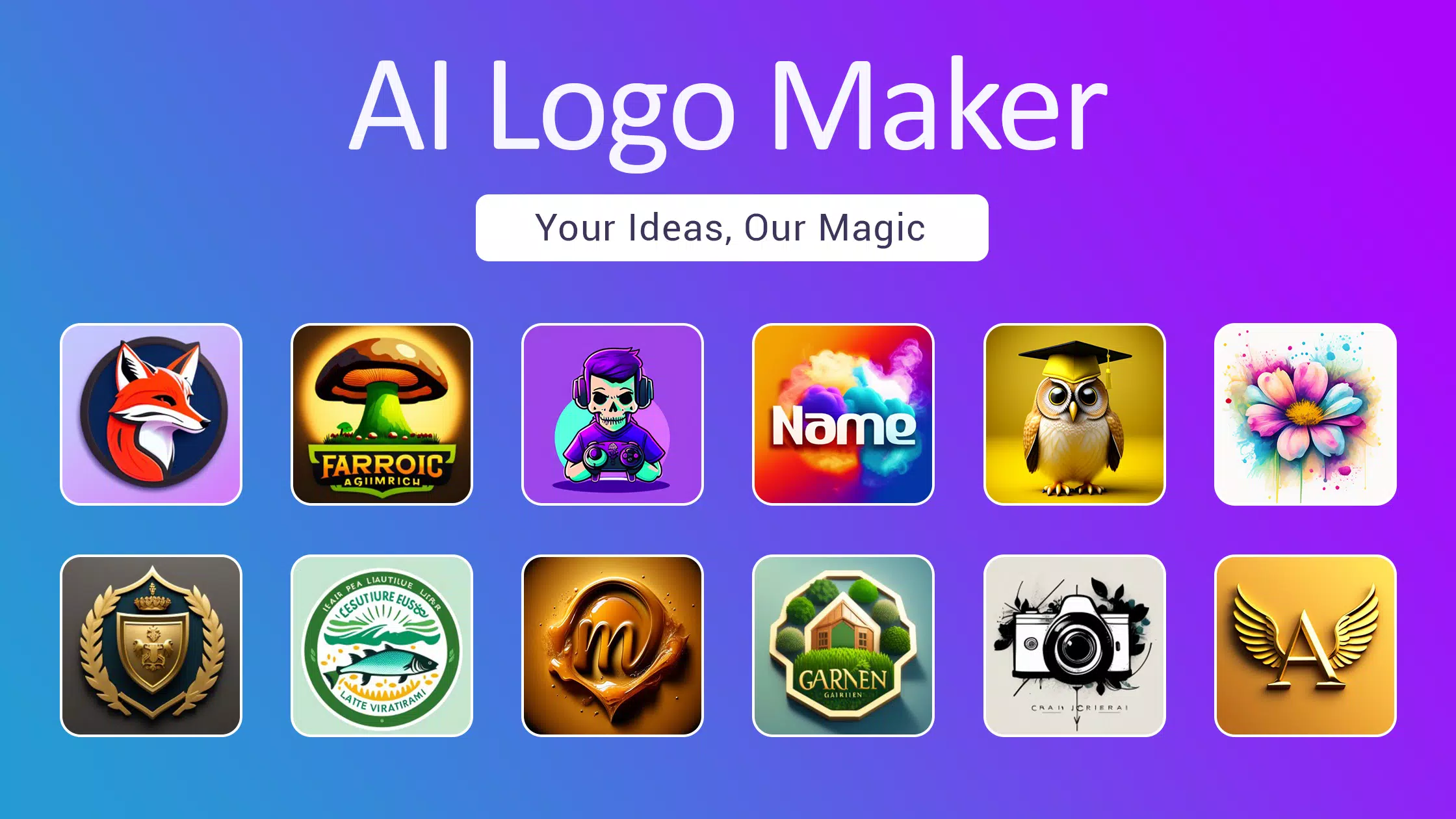


AI Logo Maker: Transform text into unique AI art icons with our AI logo generator. Design stunning logos instantly.
AI-powered logo maker for every business need.
Step into the future of branding with AI Logo Maker – the smartest way to design a professional logo for your business. Simply enter your business name and tagline into our advanced AI logo generator, and watch as it effortlessly transforms your ideas into captivating visual identities. Our AI-powered tool creates custom graphic designs, and you can perfect your logo with our intuitive editor. Start your professional logo creation journey today – no design experience needed.
Unlock your brand's potential with our cutting-edge AI Logo Maker. Leverage artificial intelligence for seamless logo design that brings your vision to life.
Create any logo style you need, including icons, symbols, wordmarks, letter marks, and initials. Design logos for any business, YouTube channels, Instagram profiles, and social media pages. Generate creative brand designs in seconds by describing them in text.
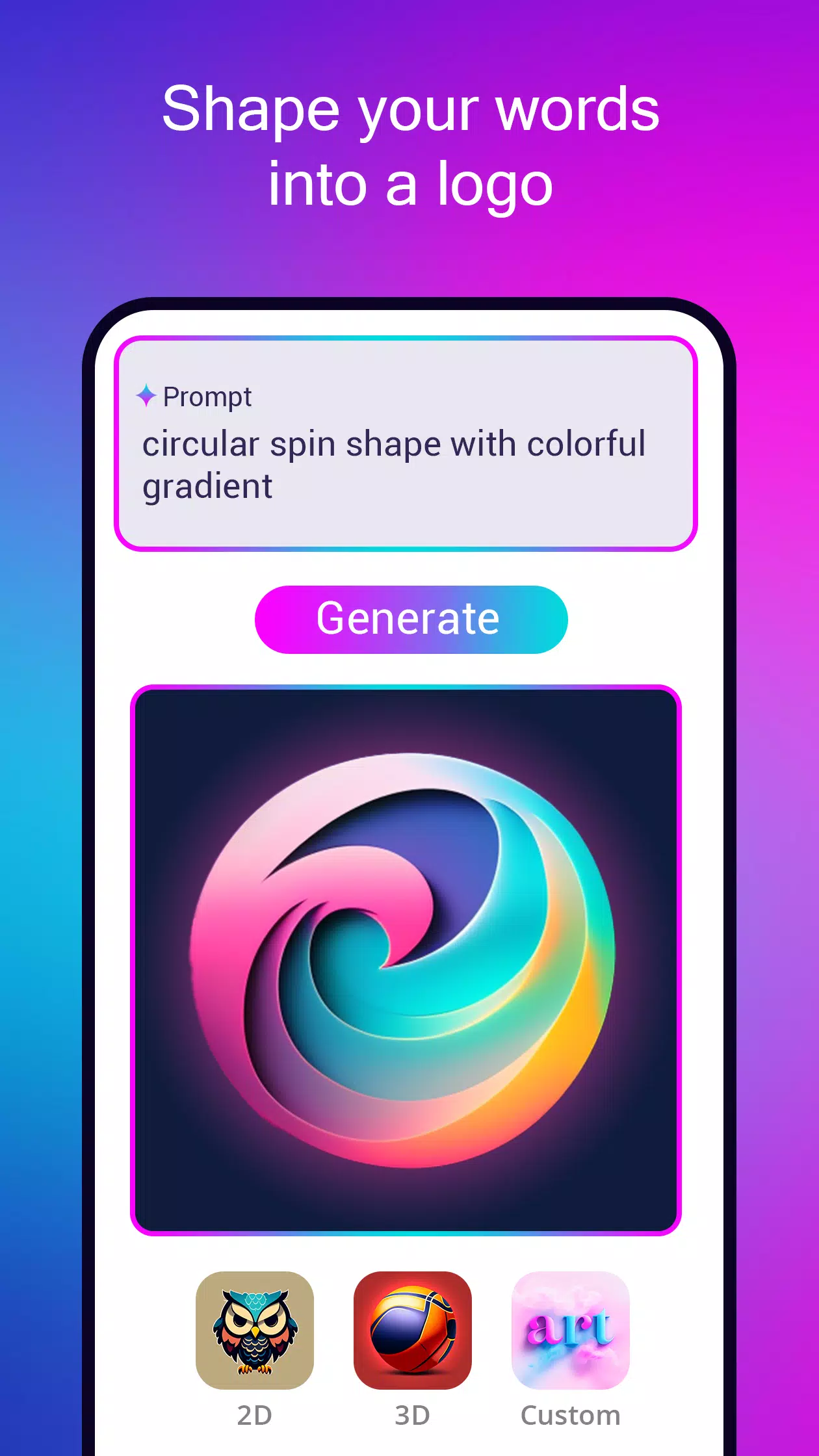
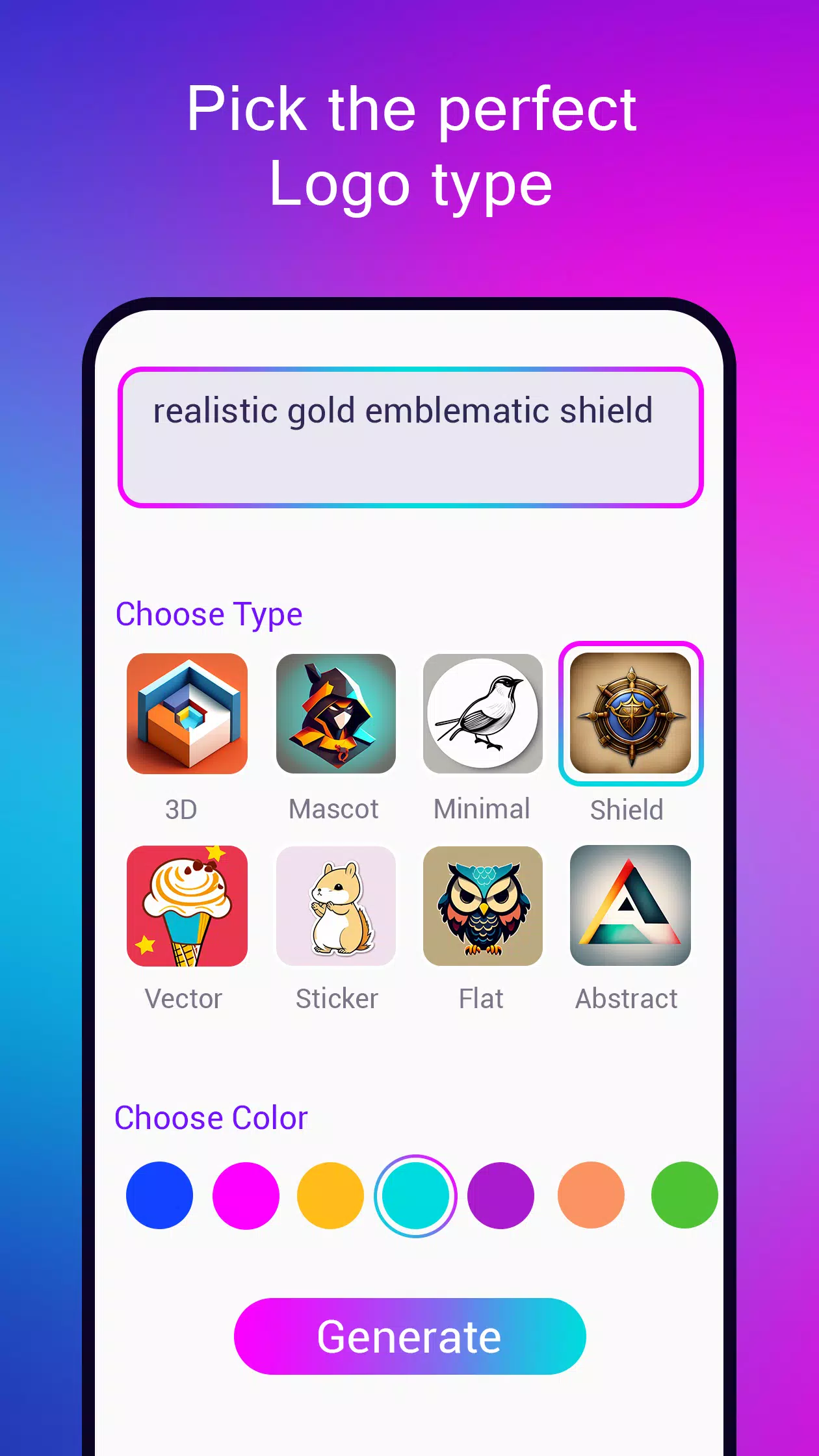
Logo Creation: Select your preferred logo type. For icon-based logos, describe your concept, style, and color preferences. Our AI generates logo designs similar to an AI art generator. Remove backgrounds and start customizing your AI icon artwork.
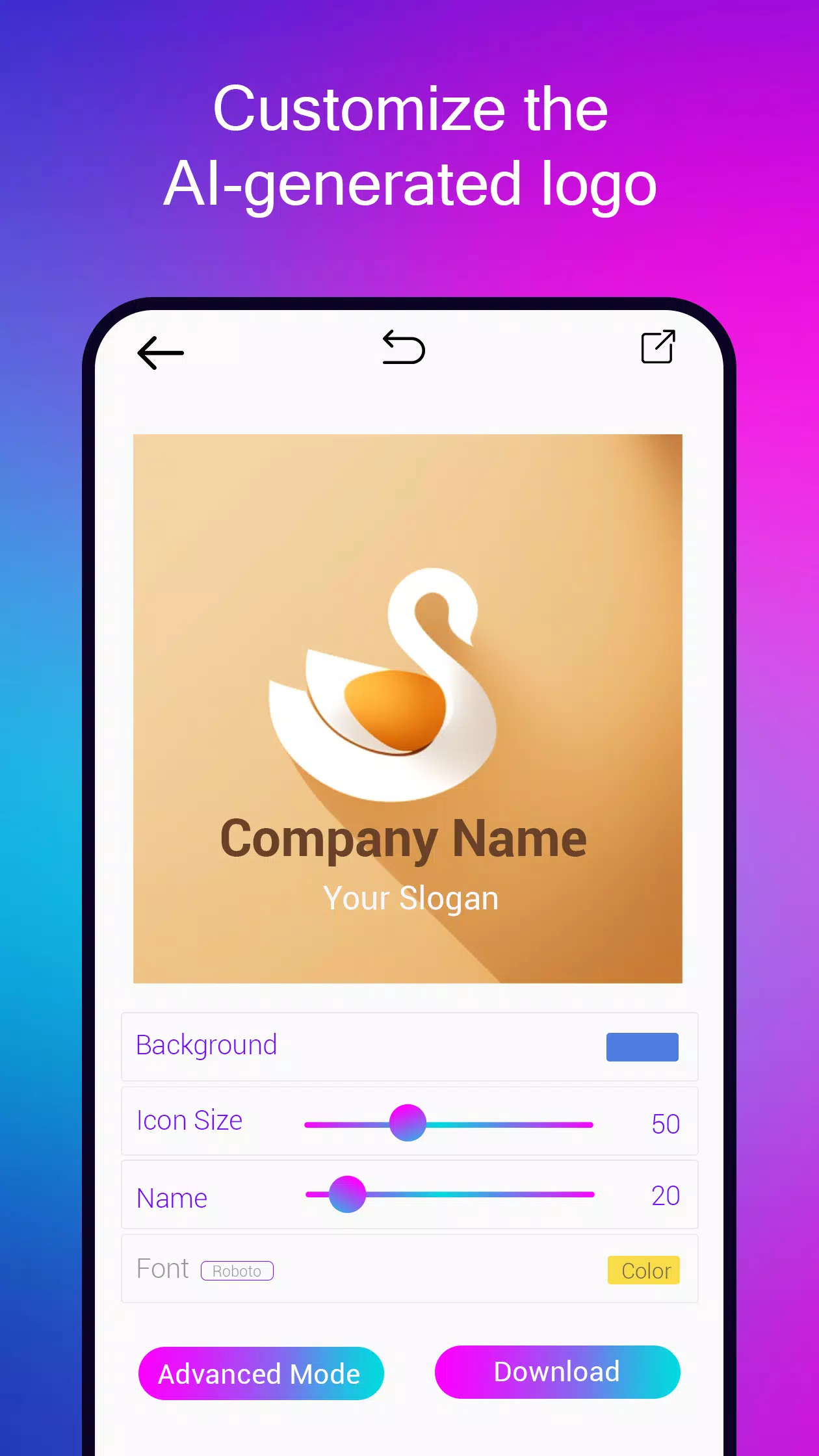
Easily customize colors, fonts, and shapes to make the logo truly yours. Text logos are particularly simple to edit using our smart suggestion tools.
Create logos from text prompts:
Describe your logo concept and watch AI generate original designs in seconds. Not satisfied? Regenerate new designs until you find the perfect logo that matches your vision.
Logo Maker Features:
1. Convert words into logos using AI technology like magic.
2. Design various logo types including vector illustrations, 2D flat designs, 3D logos, abstract concepts, gaming esports mascots, badges, emblems, monograms, and wordmarks.
3. Choose from multiple logo styles, colors, and fonts with our smart suggestions.
4. Edit logos professionally using our user-friendly logo editor.
5. Export logo files in PNG, JPEG, SVG & PDF formats. Get black & white, color, and transparent background versions in high resolution.
6. Preview your logo with realistic mockups to see how it appears in real-world applications.
7. Save projects and edit them anytime.
AI Art Generator:
Create stunning artwork using artificial intelligence magic. Leverage advanced text-to-image models like stable diffusion to generate images, graphics, and AI icons on demand. Start from our AI-generated logo templates or create from scratch. Remove backgrounds, edit icons, and add brand names and slogans. Convert your logos into clean SVG vector files.
The perfect fusion of logo maker and AI art generator. Enjoy watermark-free designs with unlimited AI art generation and complete creative freedom for icon creation.
-
 Best MLB The Show 25 Diamond Dynasty Cards & Lineups (March 2025)
-
 Archero 2 Tier List – Ranking the Best Characters in February 2025
-
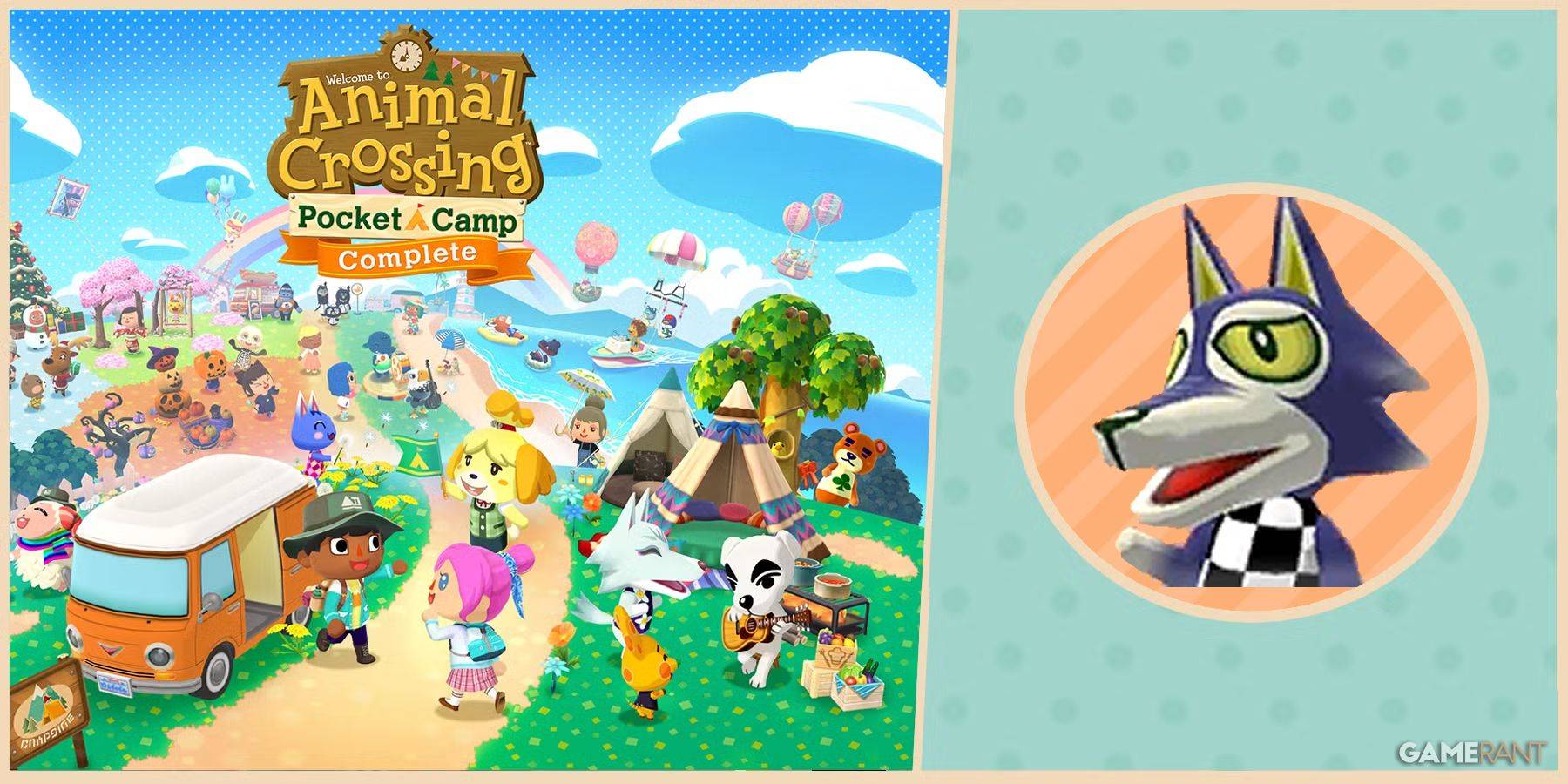 Animal Crossing: Pocket Camp Complete - How to Unlock Lobo
-
 Epic Games Unveils Free Bridge Constructor: The Walking Dead and Idle Champions Rewards
-
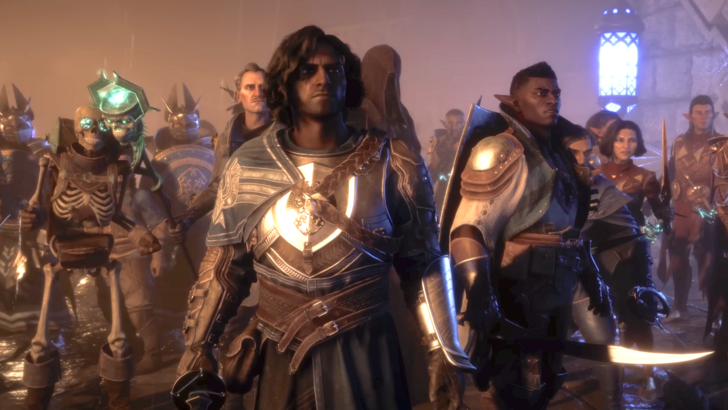 Veilguard DLC Delayed for Mass Effect 5
-
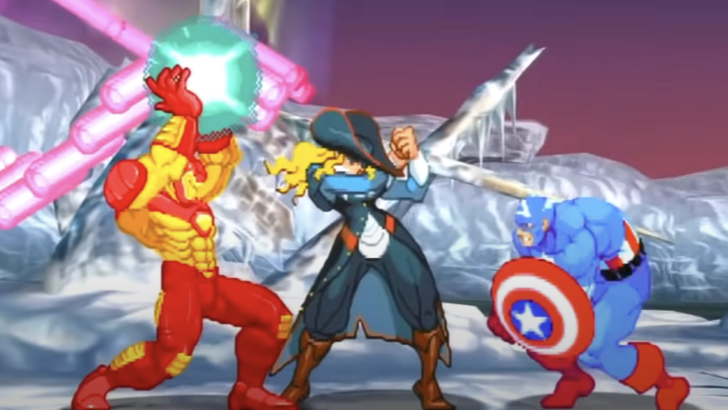 Marvel vs Capcom 2 Original Characters May Show Up in Capcom Fighting Games