

Home > Apps > Art & Design > Paint Art

| App Name | Paint Art |
| Developer | noku.teku software |
| Category | Art & Design |
| Size | 4.9 MB |
| Latest Version | 3.3.1 |
| Available on |
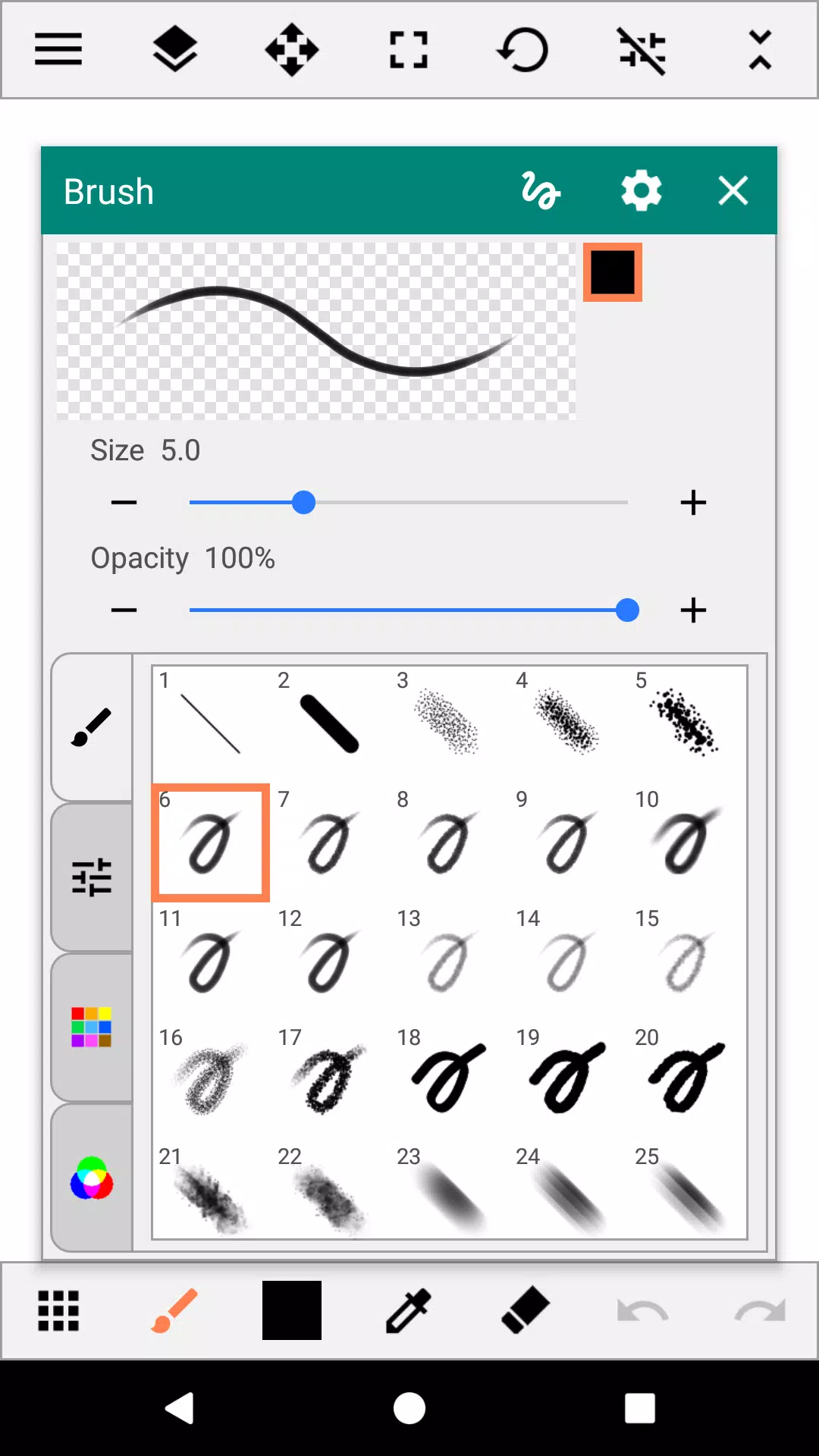
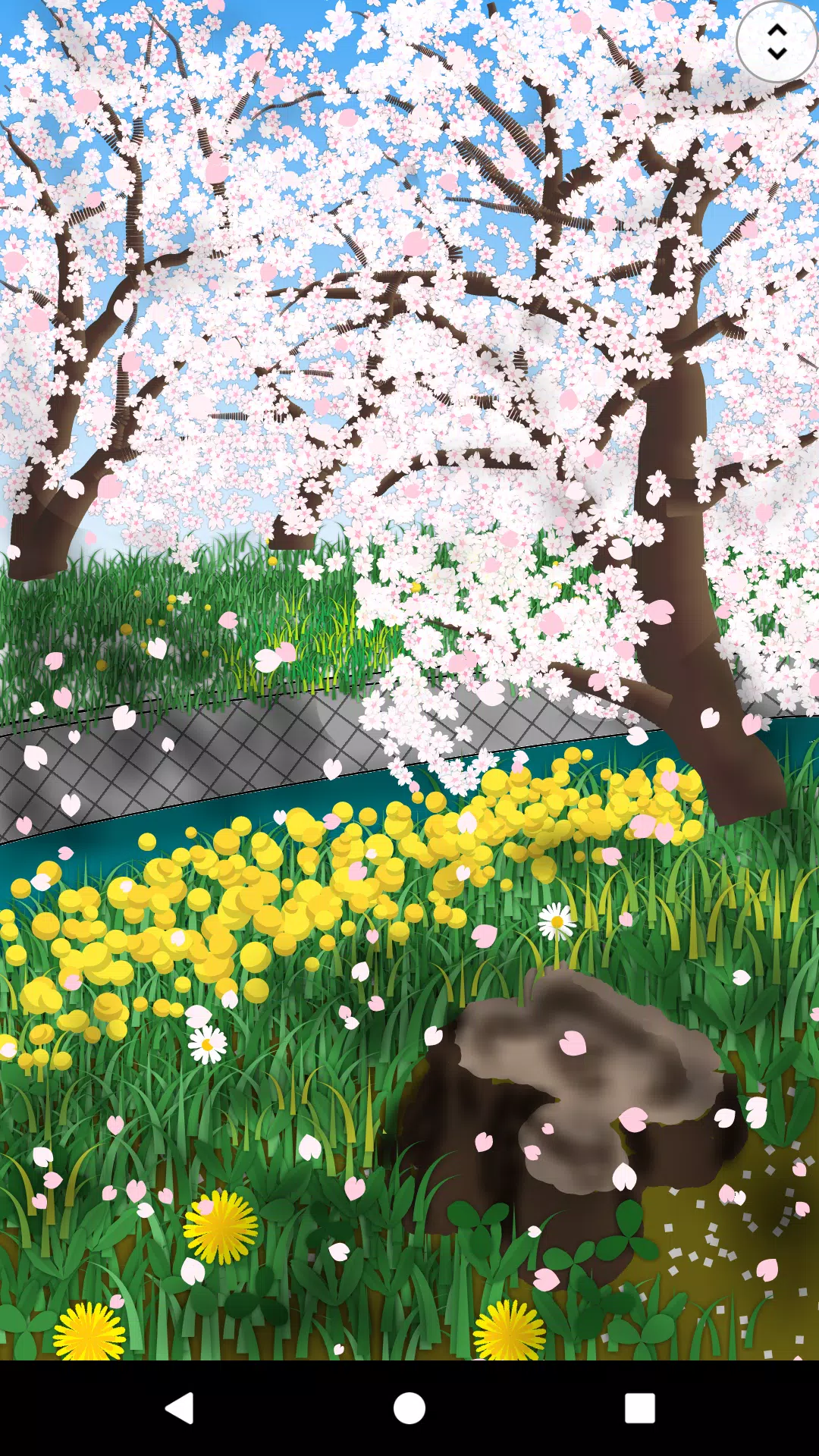
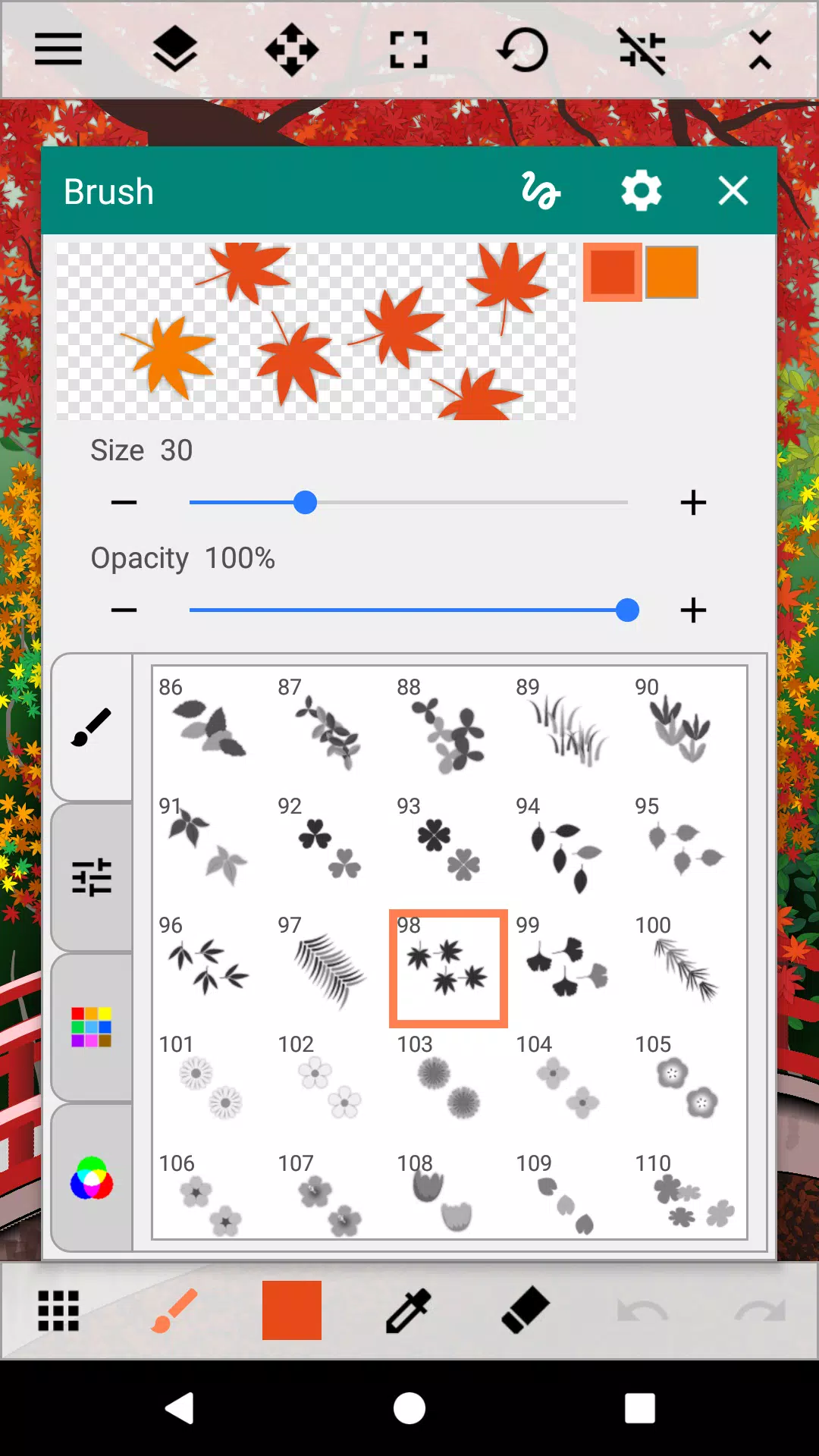


A fun painting app for everyone.
A fun painting app for everyone.
Create artwork using various brushes, fill canvases with gradients and patterns, and add photos and shapes. The cursor function enables precise painting without a stylus. Canvas size is fully customizable, and finished artwork can be exported as PNG or JPEG. Packed with features, this app lets you enjoy painting even with limited time. Unleash your creativity and paint diverse worlds with Paint Art.
Tools
- Brush
Choose from standard pens and sprays to multi-color brushes like gradients, flowers, grass, and light effects.
- Fill
Apply gradients, lines, patterns, and random fills.
- Shape
Various shapes including lines, squares, circles, stars, balloons, and flowers.
- Selection
Rectangle, circle, freeform, select all, and auto-select options.
- Text
- Insert images/photos
- Eraser
Color
- Palette, Color arrangement
- Color Editing
Color picker, RGB values, and eyedropper tool.
Canvas
- Move, zoom, and rotate
Auxiliary Functions
- Ruler
Straight line and circular rulers
- Grid
Display vertical and horizontal grid lines
- Cursor
Precise touch drawing using cursor control
- XY-Distance
Set drawing intervals for precise figure placement
Layers
- Up to 30 layers
- Layer settings
Adjust transparency, saturation, blend modes, protect transparency, and lock layers
Others
- Add destination folders
- Share images between apps
- Pen pressure support
Brushes that respond to pen pressure for variable line thickness
* Available only on smartphones with pressure-sensitive sensors
What's New in the Latest Version 3.3.1
Last updated on Sep 5, 2024
Minor bug fixes and improvements. Install or update to the newest version to check it out!
-
 Best MLB The Show 25 Diamond Dynasty Cards & Lineups (March 2025)
-
 Archero 2 Tier List – Ranking the Best Characters in February 2025
-
 Animal Crossing: Pocket Camp Complete - How to Unlock Lobo
-
 Epic Games Unveils Free Bridge Constructor: The Walking Dead and Idle Champions Rewards
-
 Veilguard DLC Delayed for Mass Effect 5
-
 Marvel vs Capcom 2 Original Characters May Show Up in Capcom Fighting Games