

Home > Apps > Art & Design > SketchPad - Doodle On The Go

| App Name | SketchPad - Doodle On The Go |
| Developer | Kaffeine Software |
| Category | Art & Design |
| Size | 4.5 MB |
| Latest Version | 2.2.2 |
| Available on |
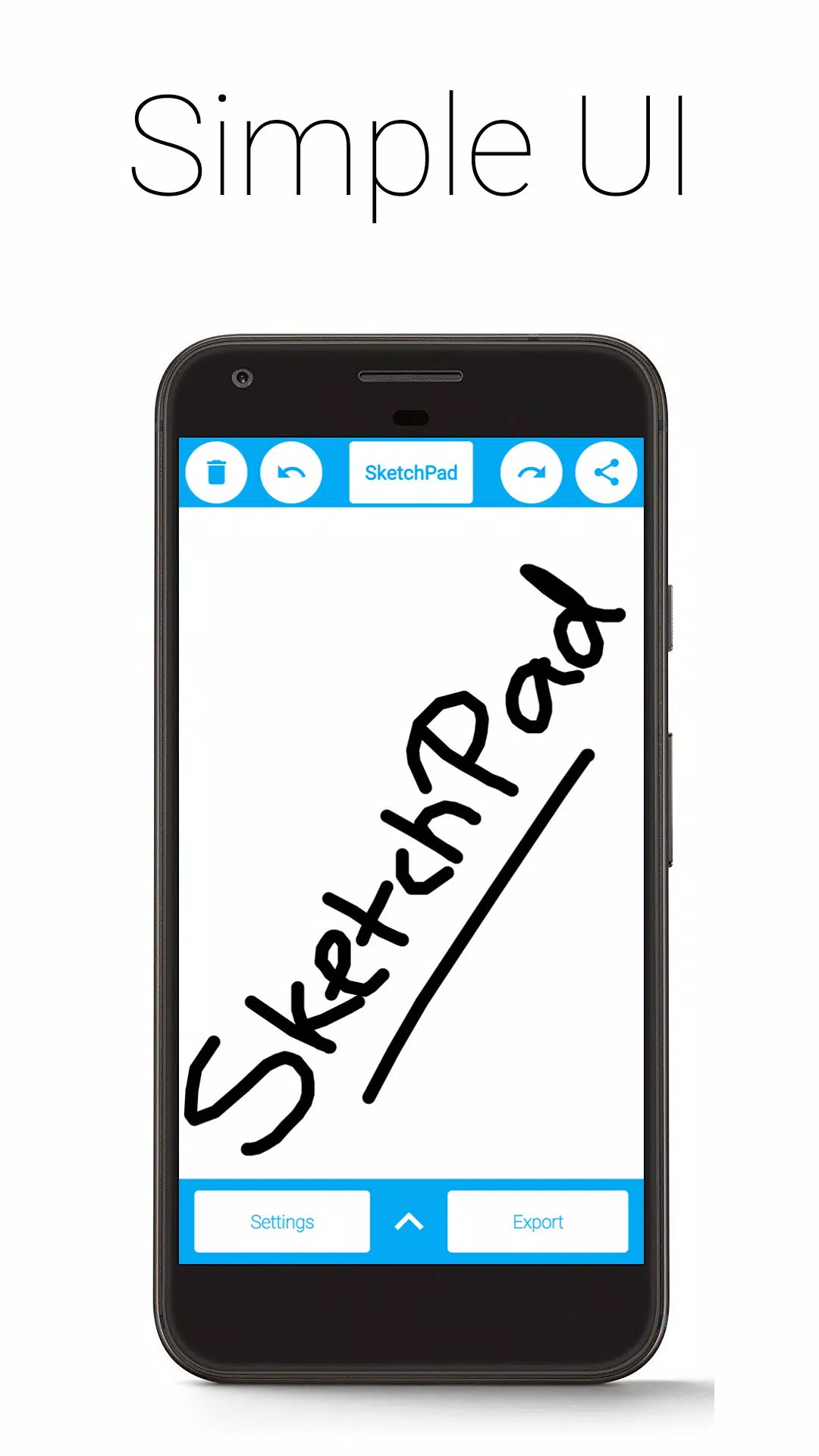


SketchPad makes sketching, doodling, or simply scribbling effortless while you're on the move.
Give your imagination free rein. Express your creativity with SketchPad. Draw, illustrate, sketch, doodle, or scribble—it's entirely up to you.
The app is exceptionally lightweight, with a download size of only 5 MB.
SketchPad offers a straightforward way to turn your screen into a personal canvas without any complications. Unlike many drawing apps, SketchPad stays minimal. It's just you and the canvas.
You can start sketching almost immediately after installing the app. No setup is needed. It's truly that simple.
Features:
• Simple UI
• No Ads
• No In-App Purchases
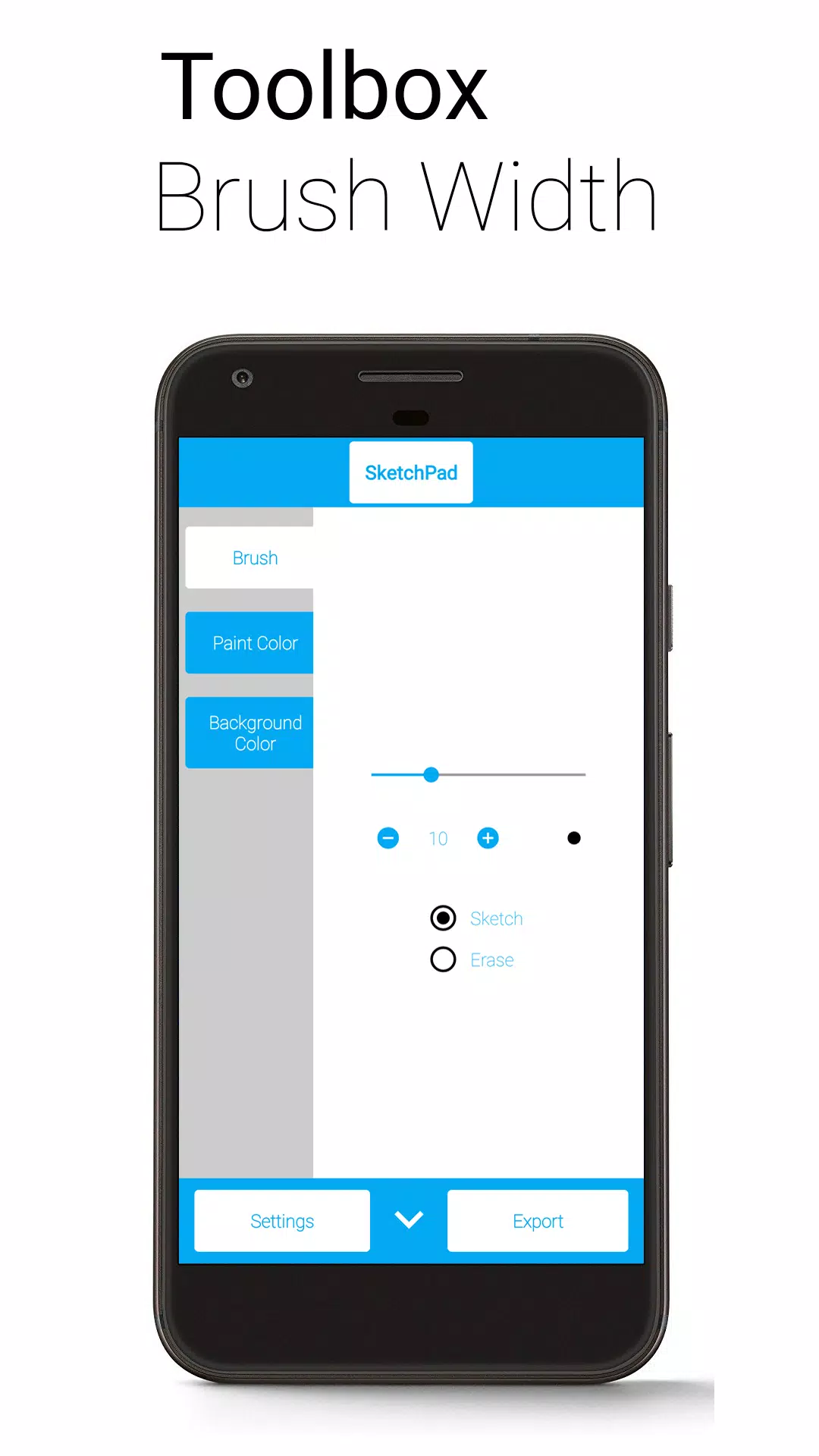
• Customizable Brush Width with Instant Preview for both bold strokes and fine details
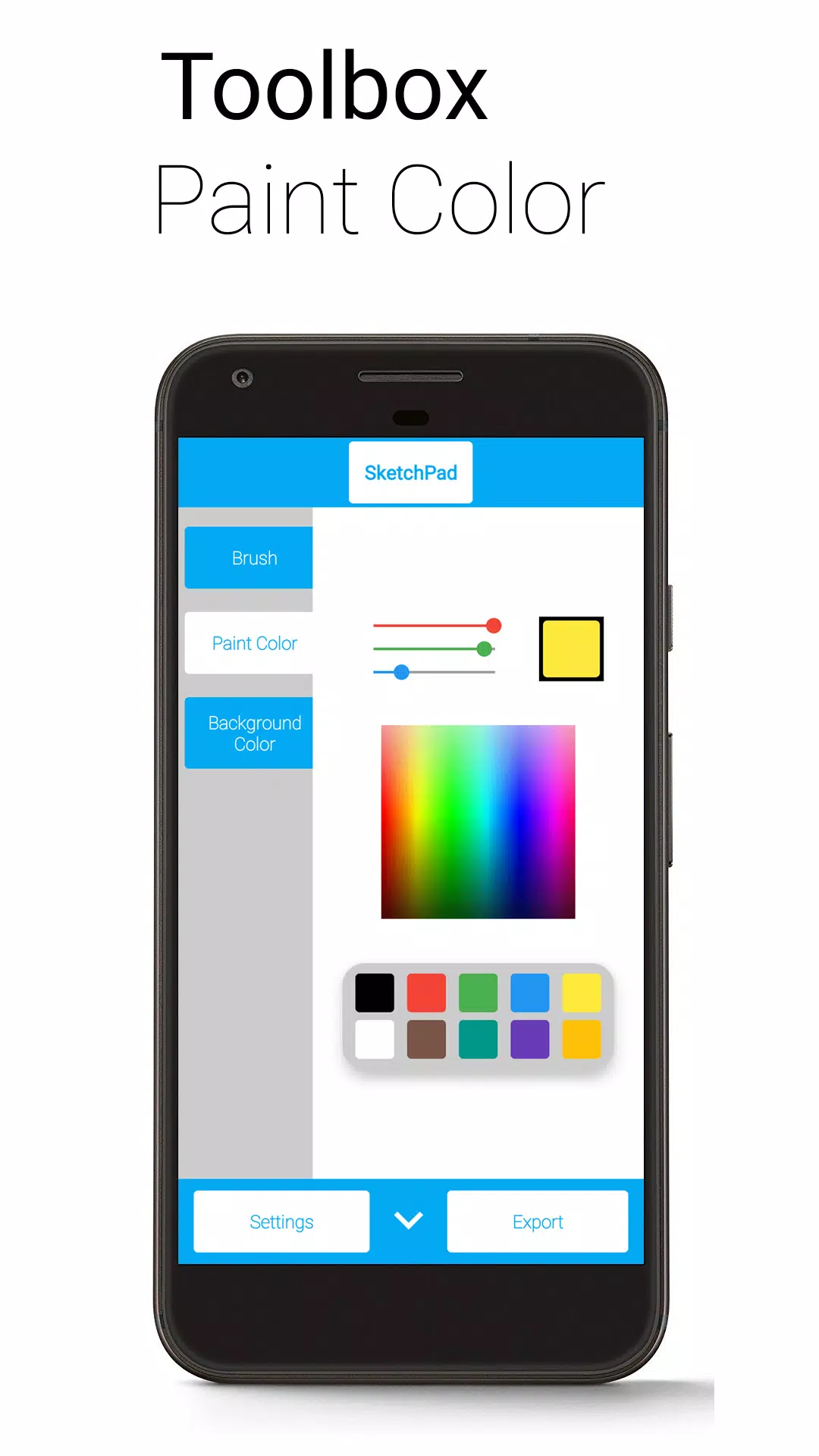
• Multiple color selection methods: Palette, Spectrum, and RGB Sliders
• Unlimited Undo/Redo—it's fine to make mistakes (subject to device capabilities)
• Optional Shake to Clear feature—shake your device to wipe the canvas (requires accelerometer)
• Export as PNG or JPEG image
• Share images directly from SketchPad (automatically exports to your device)
The "Shake to Clear" feature works best when there are no sudden motions, so avoid using it on a bus for serious sketching. However, it's perfect for casual scribbling to pass the time.
SketchPad works offline. However, sharing your sketches requires an internet connection. Storage permission is only needed to save your work to your device. I do not take your files.
Exported images are saved to "/Pictures/SketchPad/" by default. You can change the storage location in Settings to any directory you prefer. Saving to "/DCIM/Camera/" should make images appear in most gallery apps. On Android 10 and later, due to storage changes, all pictures are saved to "/Android/data/com.kanishka_developer.SketchPad/files/Pictures" regardless of your setting.
SketchPad Project always prioritizes user experience. Share your feedback or just say "hello" in the Kaffeine Community Discord server at https://discord.gg/dBDfUQk or email me at [email protected]. :)
What's New in the Latest Version 2.2.2
Last updated on Jan 2, 2024
Bug fixes and performance improvements
Happy New Year 2024!
-
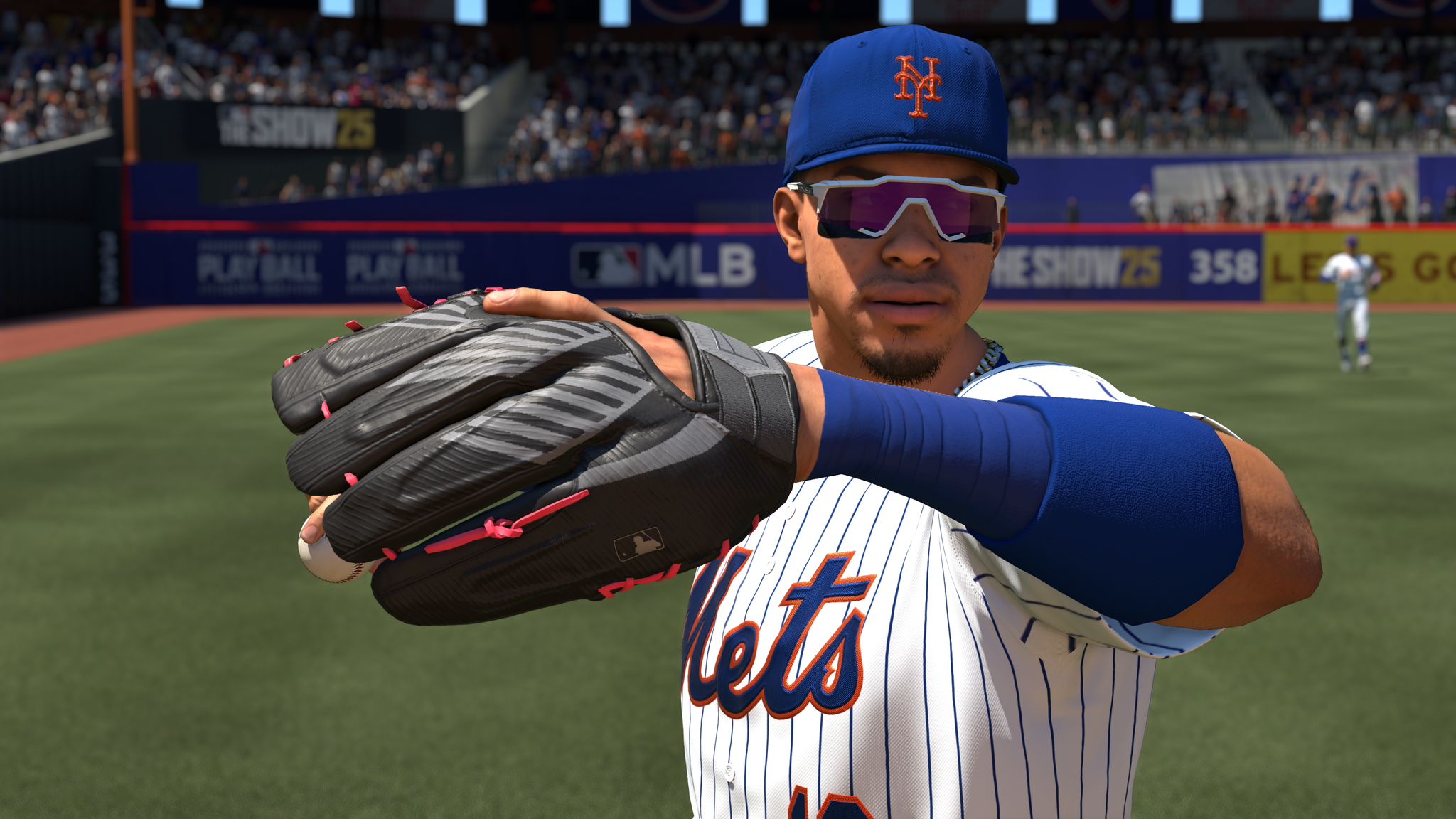 Best MLB The Show 25 Diamond Dynasty Cards & Lineups (March 2025)
-
 Archero 2 Tier List – Ranking the Best Characters in February 2025
-
 Animal Crossing: Pocket Camp Complete - How to Unlock Lobo
-
 Epic Games Unveils Free Bridge Constructor: The Walking Dead and Idle Champions Rewards
-
 Veilguard DLC Delayed for Mass Effect 5
-
 Marvel vs Capcom 2 Original Characters May Show Up in Capcom Fighting Games