

Home > Apps > Art & Design > Trace & Draw: AR Art Projector

| App Name | Trace & Draw: AR Art Projector |
| Developer | Mitra Ringtones |
| Category | Art & Design |
| Size | 48.8 MB |
| Latest Version | 1.0.8 |
| Available on |


Draw anything you desire with this tracing paper application.
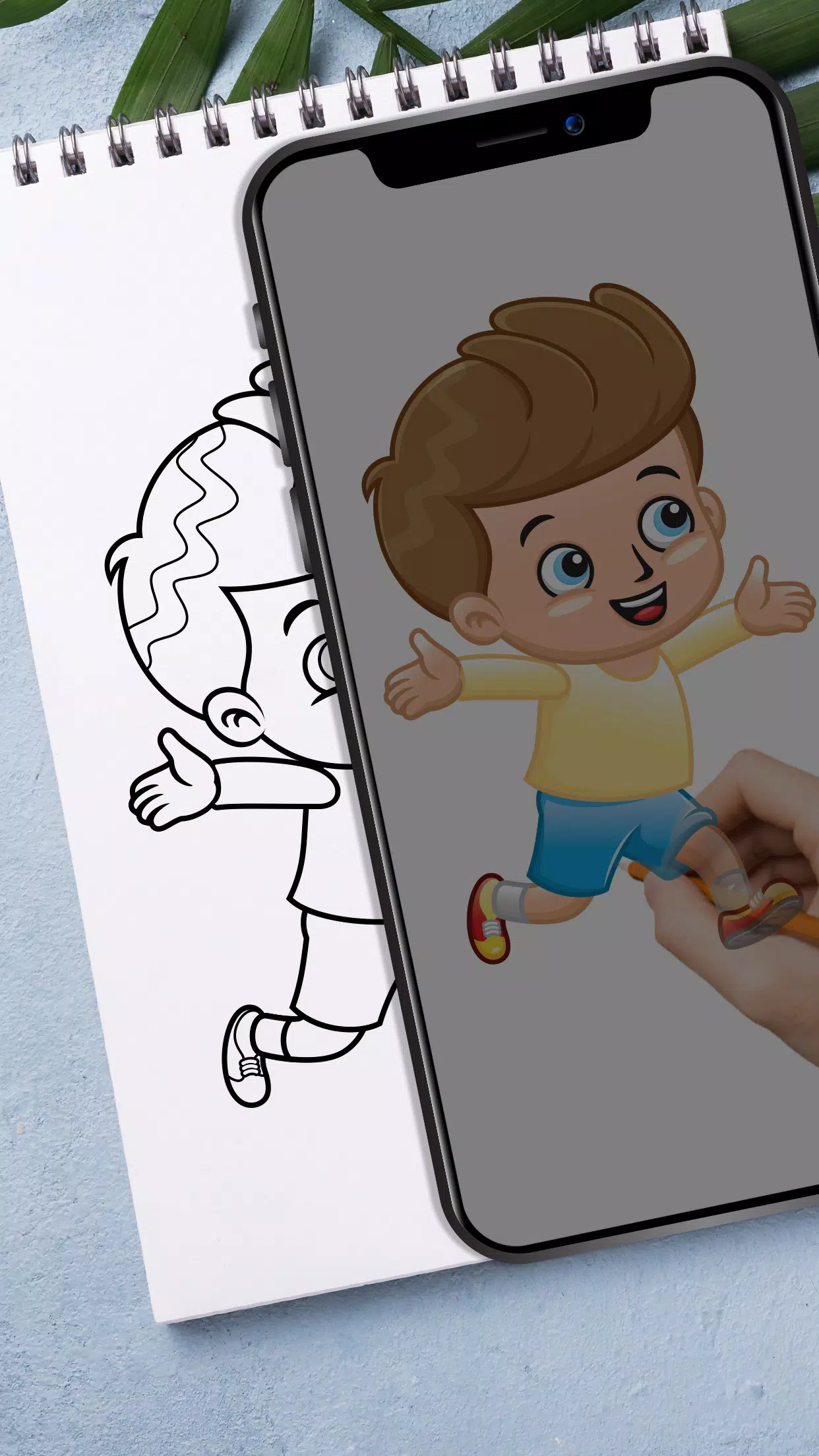
Tracing is a technique that transforms photos or artwork into line drawings. Place tracing paper over your reference image and sketch the visible lines. Develop your skills by tracing and drawing. Use this app as a tool to learn and practice drawing techniques.
How it works:-
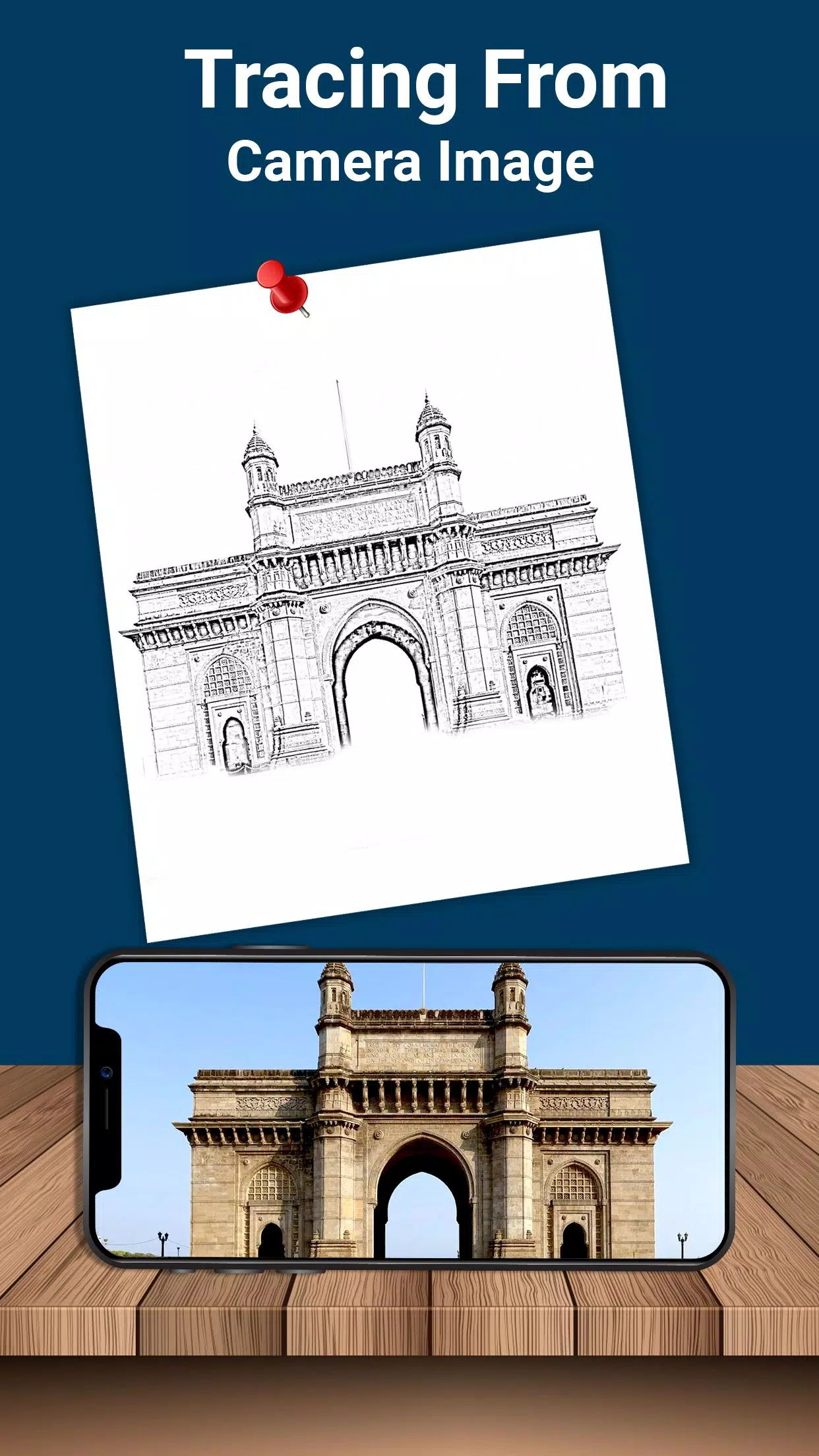
- Select an image from your gallery or capture one with your camera. Adjust brightness levels or modify the background. Rotate your selected image as needed. A transparent version will appear on your screen – position drawing paper over it to begin tracing and sketching.
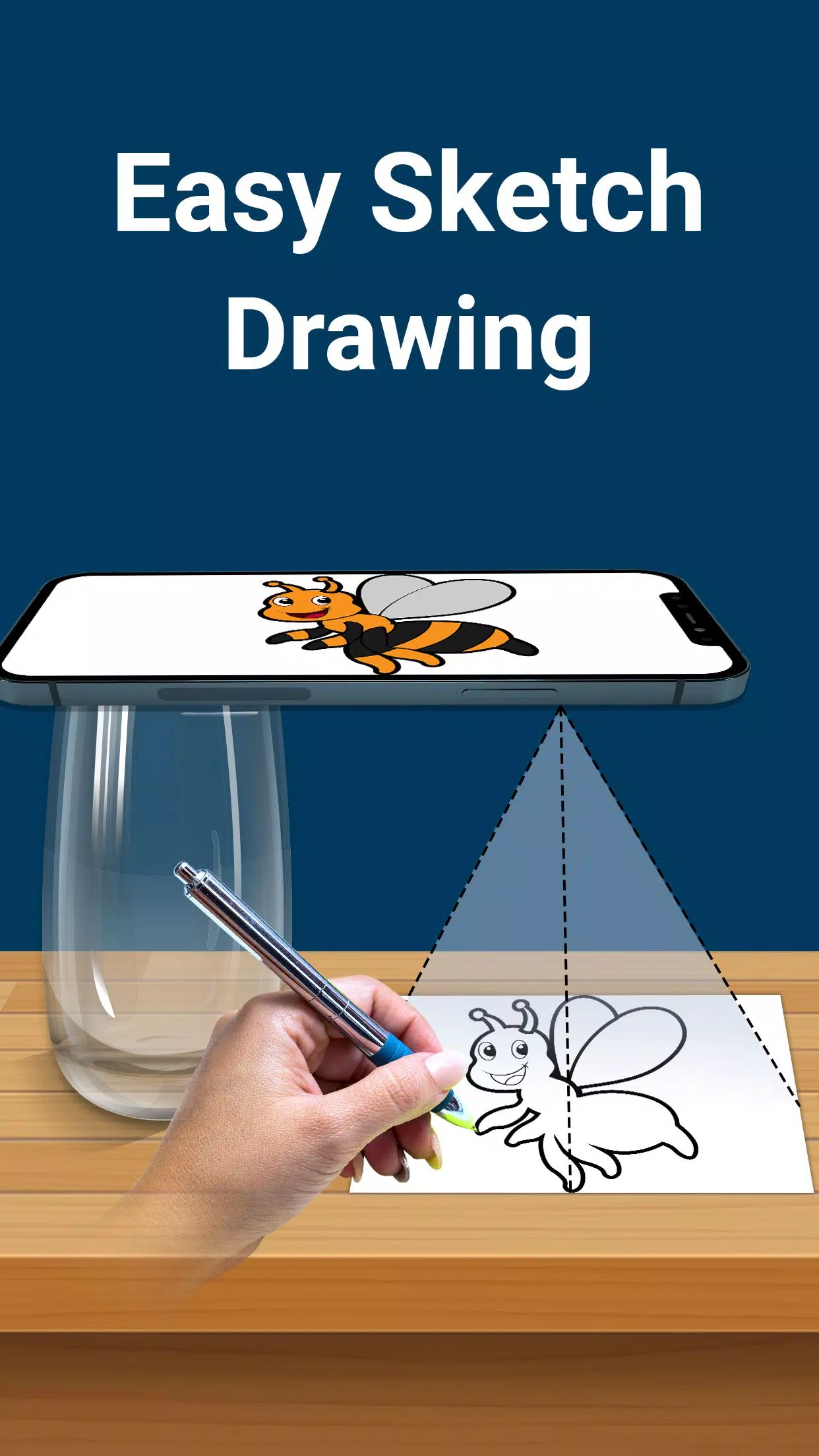
- The camera captures your image as a transparent overlay on screen rather than on paper, enabling you to trace directly onto your drawing surface. Draw over the transparent image displayed on your phone. Convert any image into a traceable reference for your artwork.
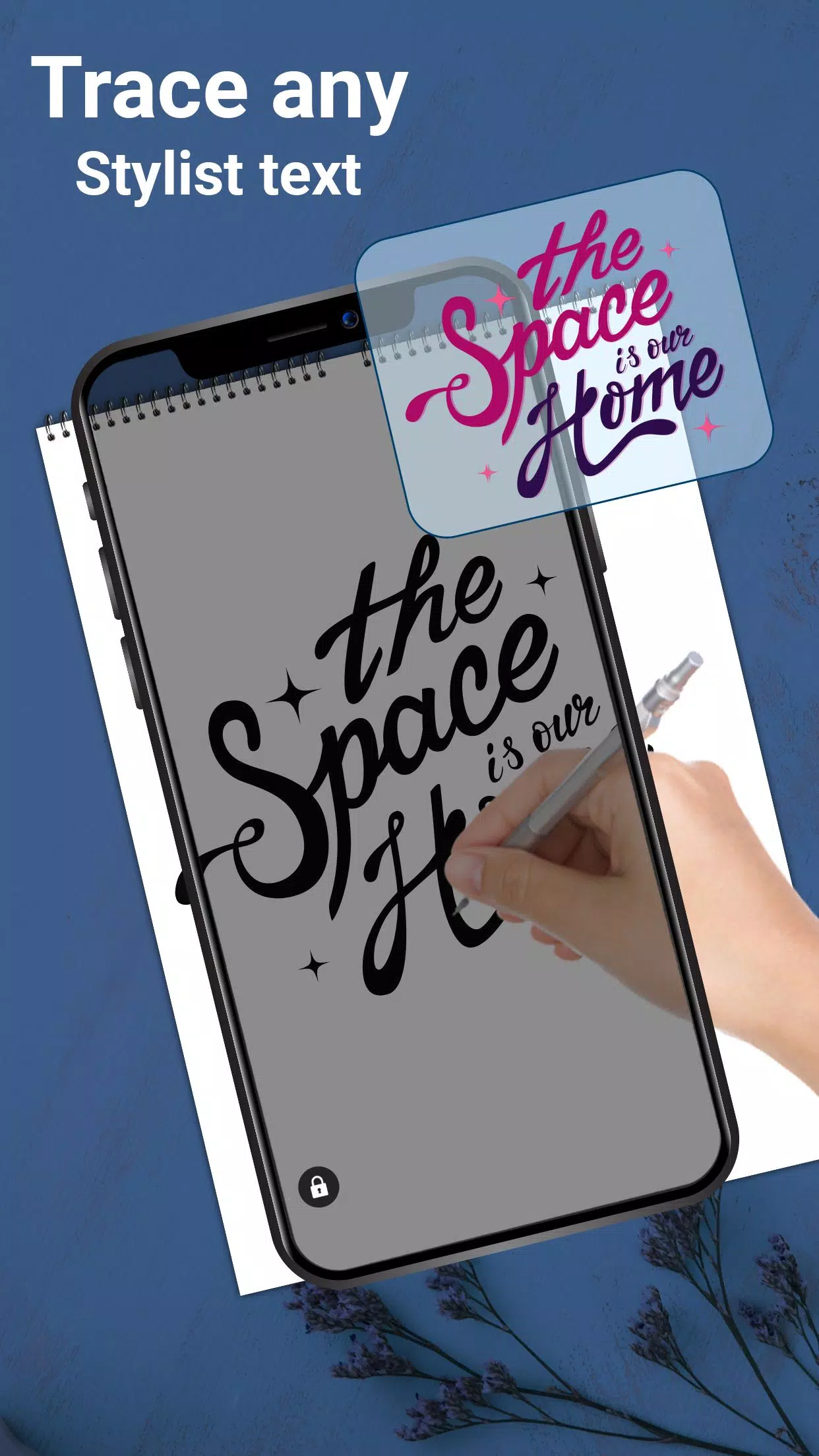
- This tracing application includes elegant preset fonts for creating text-based art, including logos, signatures, and creative typography.
- Paper tracer serves as an ideal tool for children, artists, and students, functioning as a digital sketch pad for effortless drawing. Create various types of sketches using this straightforward drawing application.
Features:-
- Select gallery images and convert them into traceable references for sketching on blank paper
- Capture reference images directly using your camera
- Position paper over your screen and begin drawing
- Maximize brightness for optimal visibility
- Lock image position while creating simple sketches
- Rotate images to your preferred orientation
- Design text art including logos, signatures, and typographic works
- Easily zoom in and out on reference images
- Use pencils or pens for tracing and drawing
Tracing paper serves as a drawing application for skill development. Excellent for stencil creation and drawing practice. Freely draw lines on tracing paper with clear visibility of your phone screen. Create drawings independently by tracing lines from fixed reference images.
Adjust photo opacity to trace sketch designs. Create complex sketches and drawings using this lightbox tracing application.
Lock images for efficient drawing. This tracing application assists in creating various sketch types without requiring tracing elements.
Download the trace drawing application today and enhance your drawing and sketching abilities.
-
 Best MLB The Show 25 Diamond Dynasty Cards & Lineups (March 2025)
-
 Archero 2 Tier List – Ranking the Best Characters in February 2025
-
 Animal Crossing: Pocket Camp Complete - How to Unlock Lobo
-
 Epic Games Unveils Free Bridge Constructor: The Walking Dead and Idle Champions Rewards
-
 Veilguard DLC Delayed for Mass Effect 5
-
 Marvel vs Capcom 2 Original Characters May Show Up in Capcom Fighting Games