

Steam Deck: How To Run Game Boy Games
This guide details how to install EmuDeck and play Game Boy games on your Steam Deck, optimizing performance with Decky Loader and Power Tools. The Steam Deck, despite its modern capabilities, excels at retro gaming with the right setup.
Before You Begin:
 You'll need:
- A fully charged Steam Deck.
- An A2 microSD card for games and emulators.
- Legally obtained Game Boy ROMs.
- A Bluetooth or wired keyboard and mouse (recommended for easier navigation).
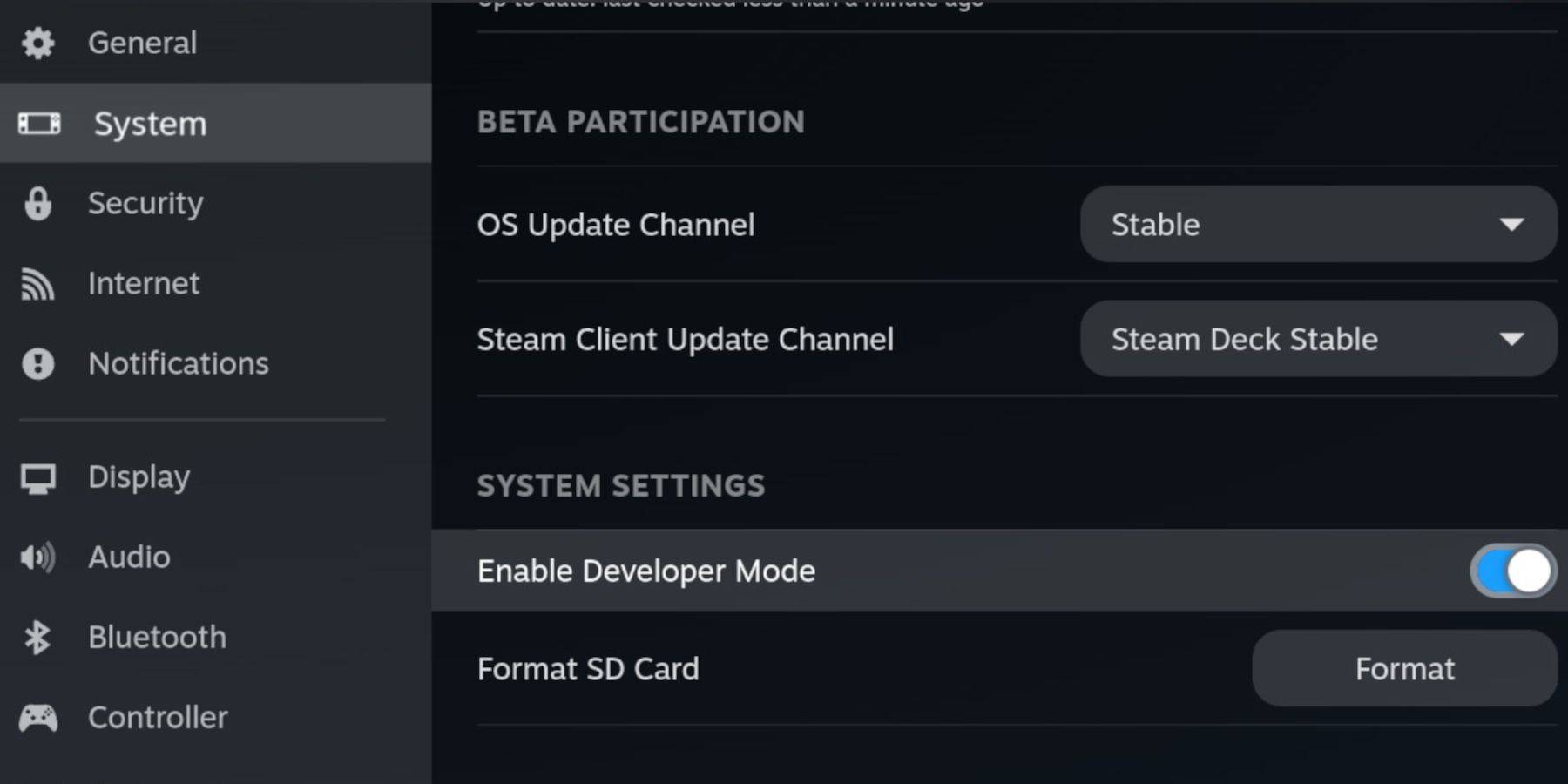
Enable Developer Mode: Access the Steam menu, then System > Developer Mode (ON). Enable CEF Debugging in the Developer menu. Switch to Desktop Mode.
Installing EmuDeck:
 In Desktop Mode:
- Launch a browser (e.g., Firefox).
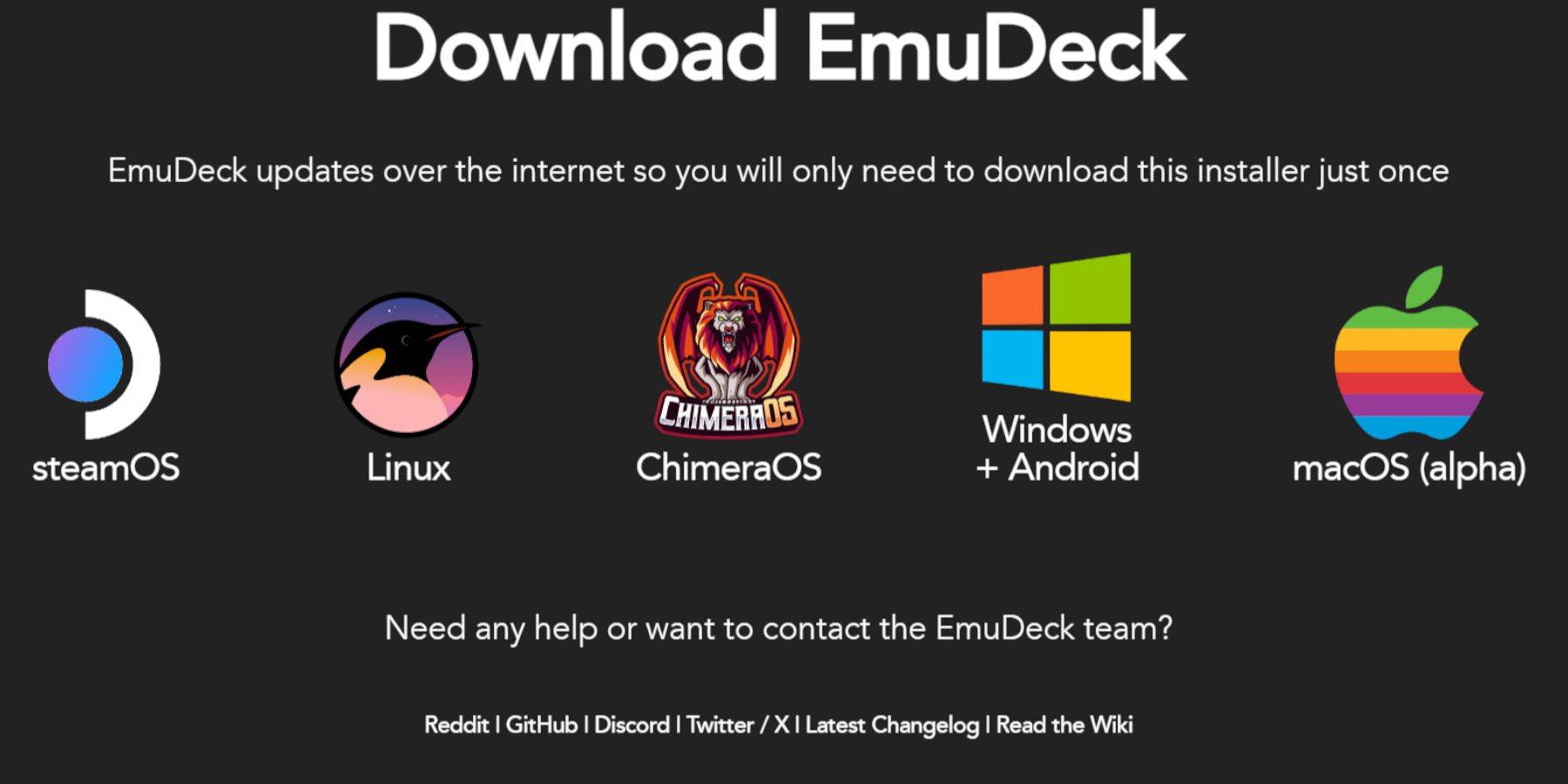
- Download EmuDeck, selecting SteamOS and the free download.
- Choose Recommended Settings then Custom Install.
- Select your SD card as the Primary installation location.
- Choose your desired emulators (RetroArch, Emulation Station, Steam ROM Manager recommended).
- Enable Auto Save.
- Complete the installation.
Quick Settings (EmuDeck):
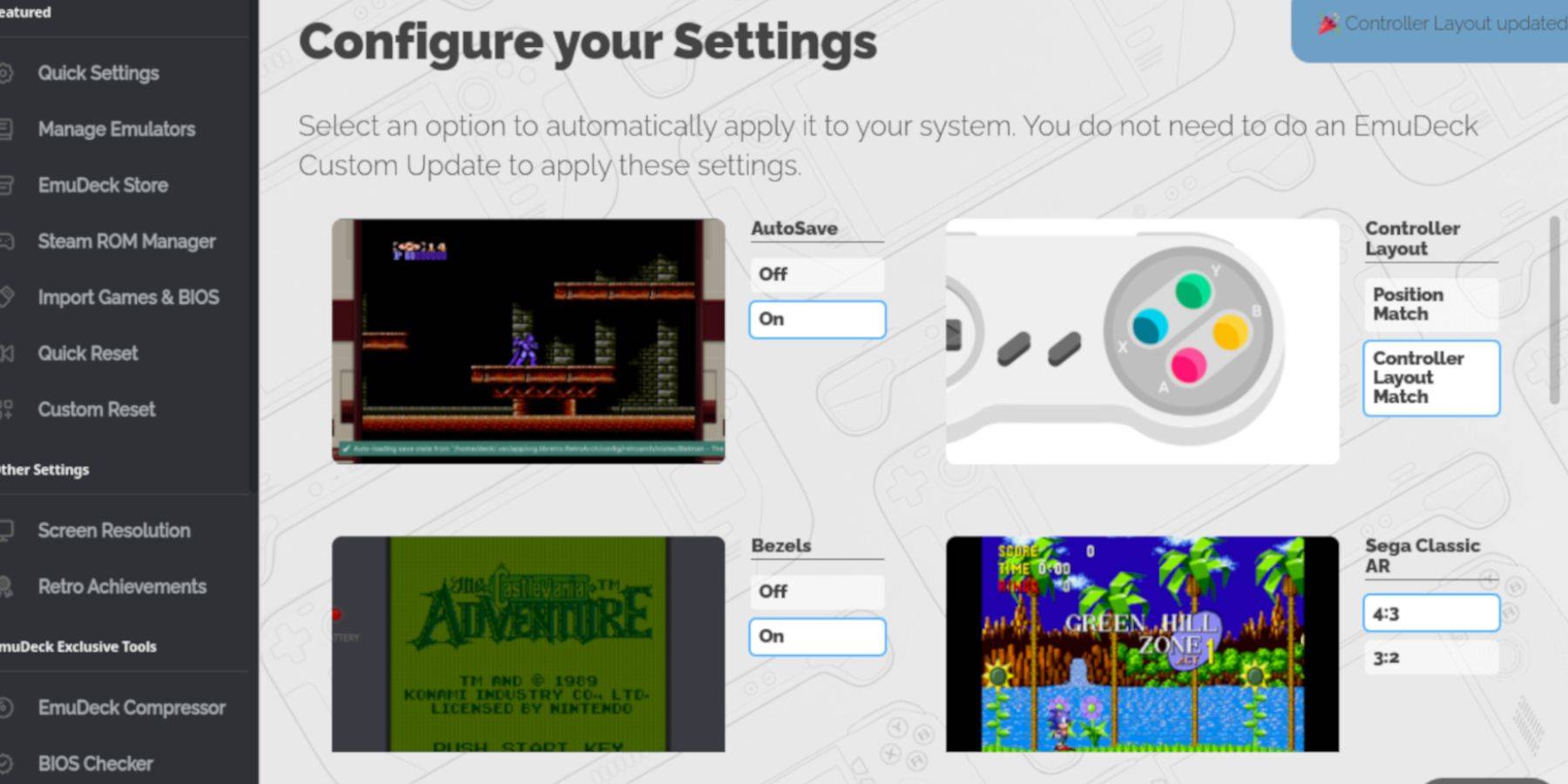 Within EmuDeck, enable:
- AutoSave
- Controller Layout Match
- Bezels
- Nintendo Classic AR
- LCD Handhelds
Adding Game Boy Games:
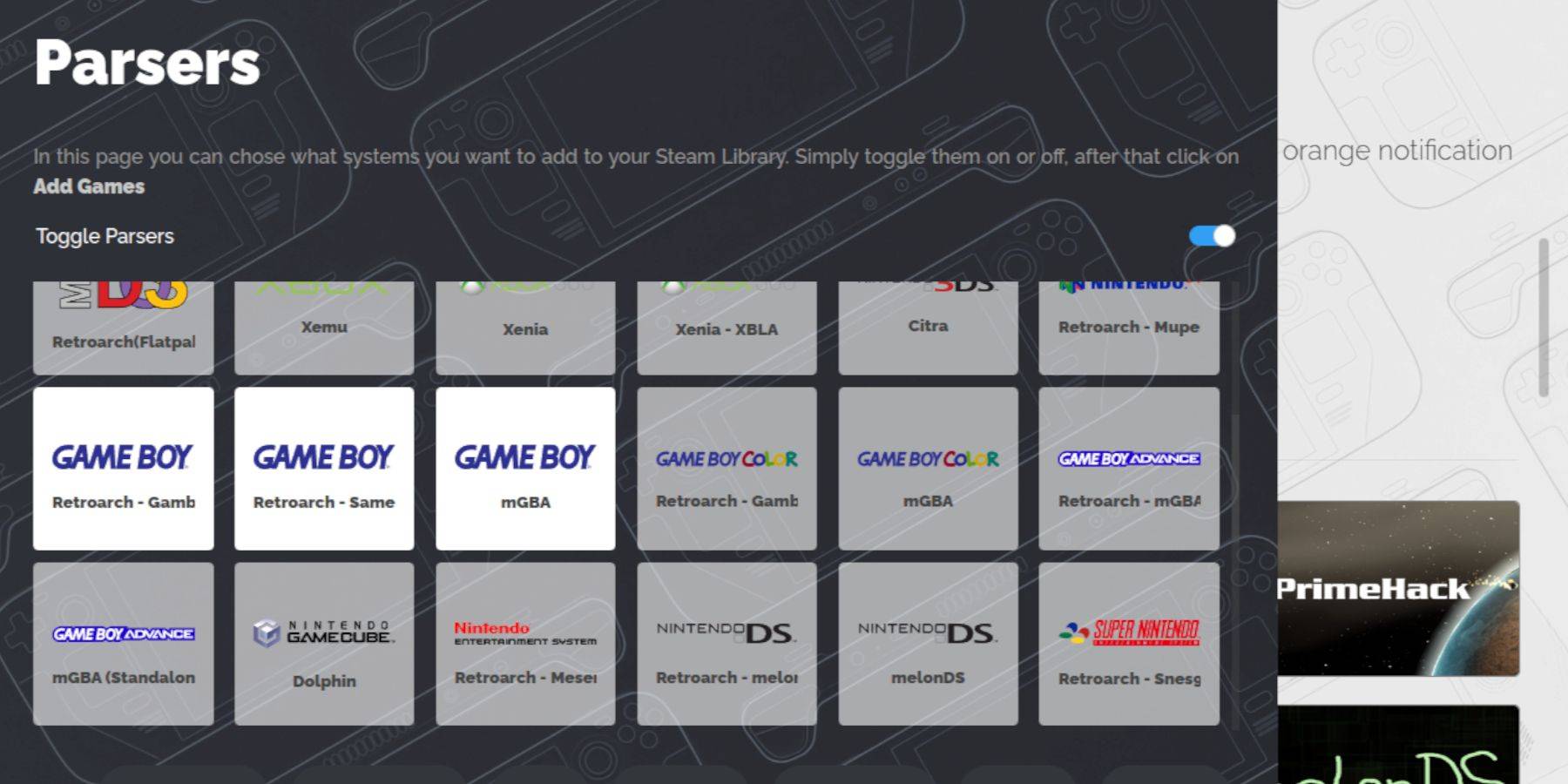 Use Dolphin File Manager to navigate to
 Primary > Emulation > ROMS > gb. Transfer your .gb ROMs to this folder. Ensure correct filenames.
Steam ROM Manager Integration:
- Open Steam ROM Manager in EmuDeck.
- Close the Steam client (if prompted).
- Disable Toggle Parsers.
- Add your Game Boy games.
- Save to Steam.
Playing Game Boy Games:
Access your games through the Steam Library > Collections tab. Launch and enjoy!
Customizing Game Colors (RetroArch):
Many Game Boy games support colorization via RetroArch. Access the RetroArch menu (Select + Y), navigate to Core Options > GB Colorization, and choose Auto or Off.
Emulation Station:
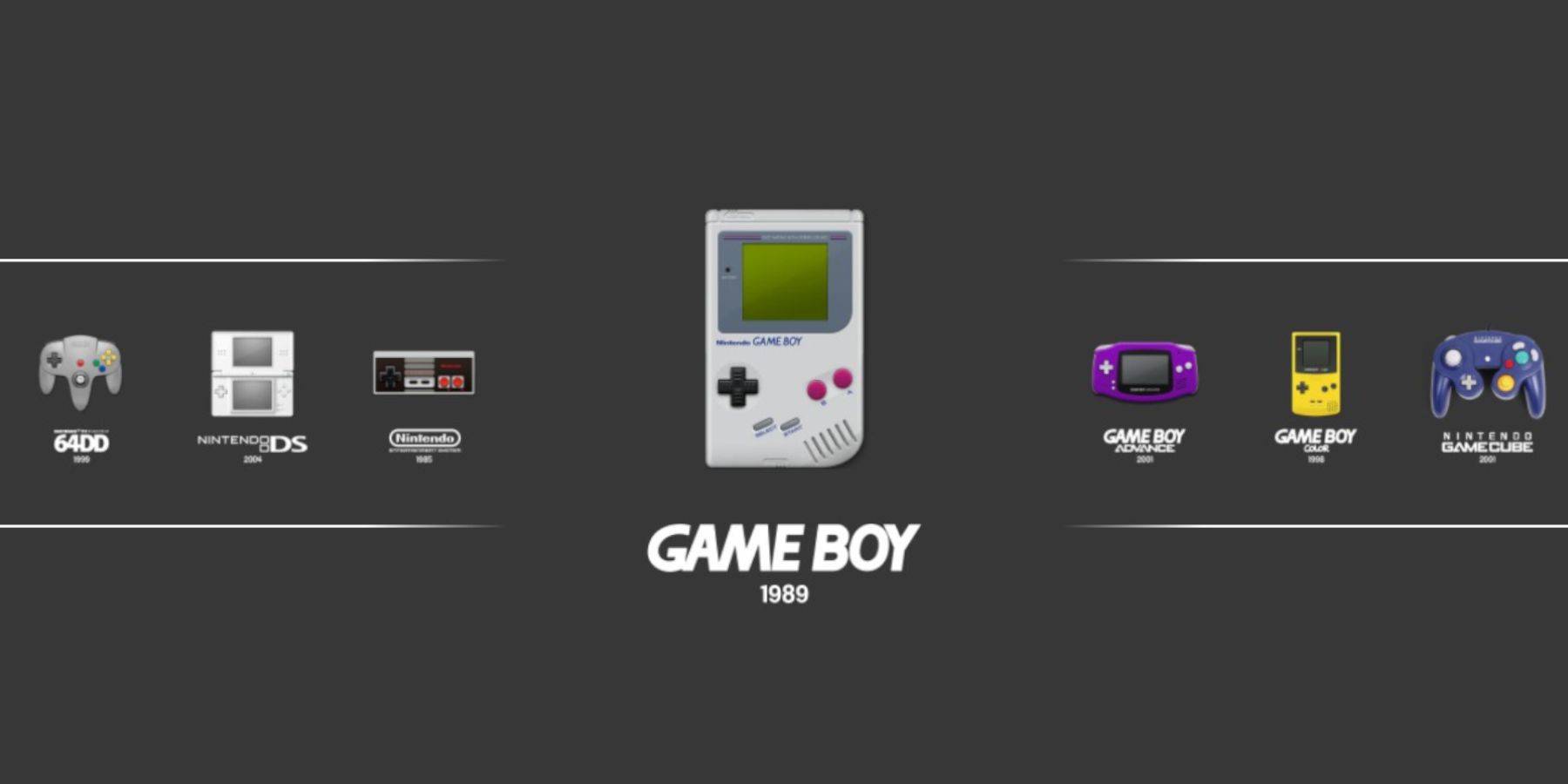 Alternatively, launch games through Emulation Station (Steam Library > Collections > Emulators > Emulation Station).
Installing Decky Loader:
 In Desktop Mode:
- Download Decky Loader from its GitHub page.
- Run the installer, choosing Recommended Install.
- Restart your Steam Deck.
Installing Power Tools:
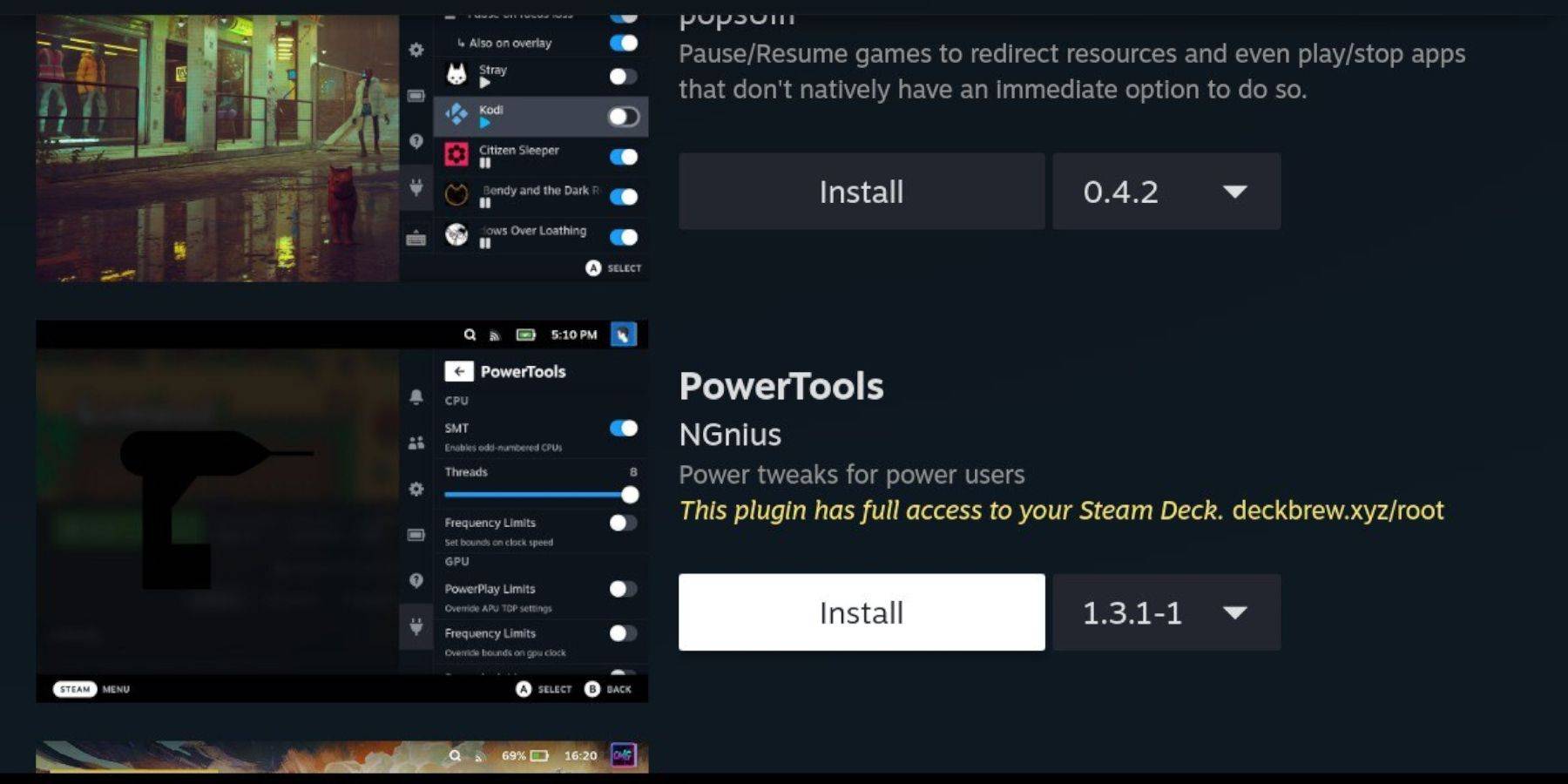 Access the Decky Loader plugin store and install Power Tools.
Power Tools Settings:
- Launch a Game Boy game.
- Open Power Tools (QAM).
- Turn off SMTs.
- Set Threads to 4.
- In the Performance menu (Advanced View), enable Manual GPU Clock Control and set the GPU Clock Frequency to 1200.
- Enable Per Game Profile.
Restoring Decky Loader After a Steam Deck Update:
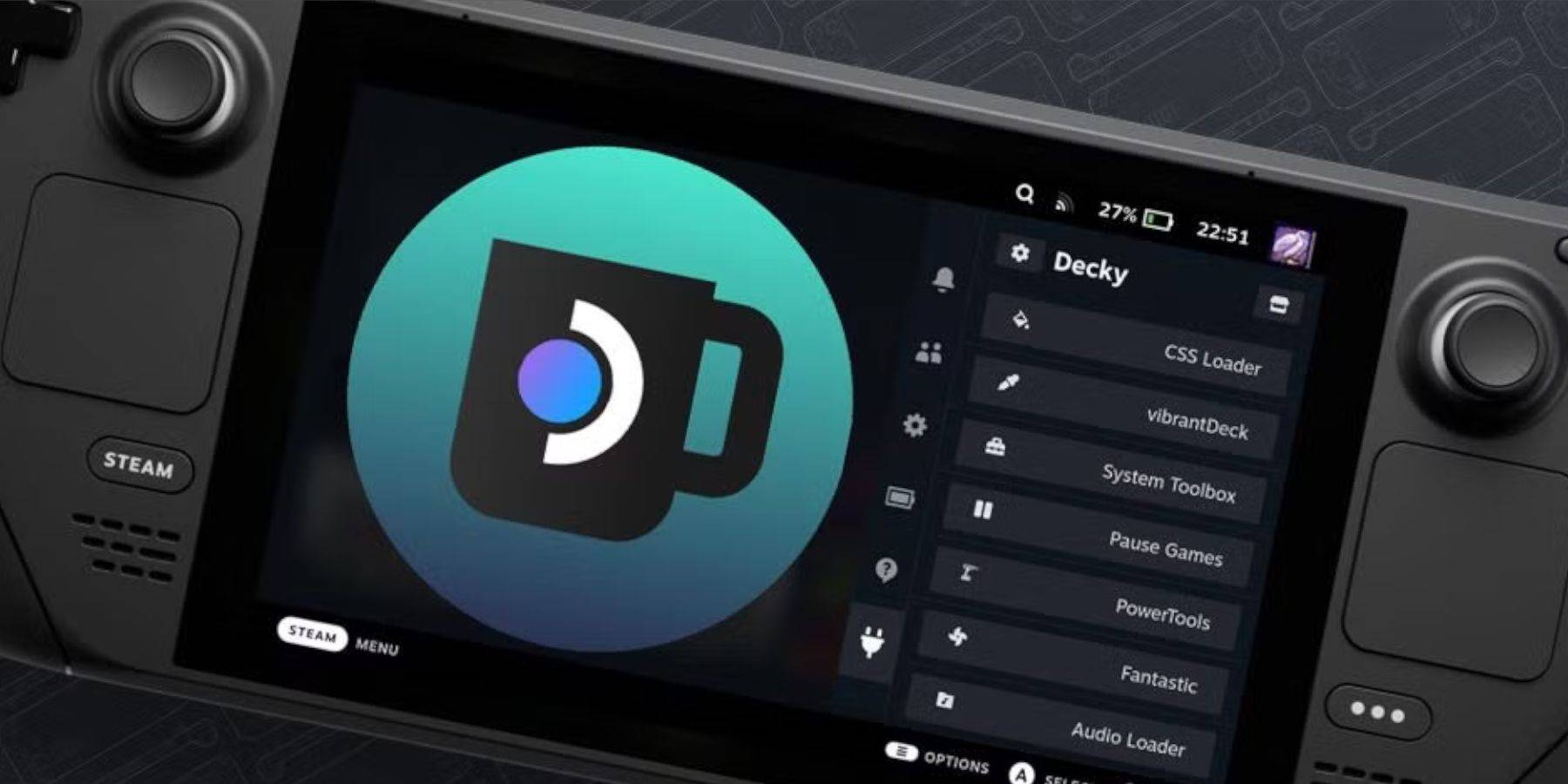 Reinstall Decky Loader from its GitHub page in Desktop Mode after a Steam Deck update. You may need to re-enter your pseudo-password.
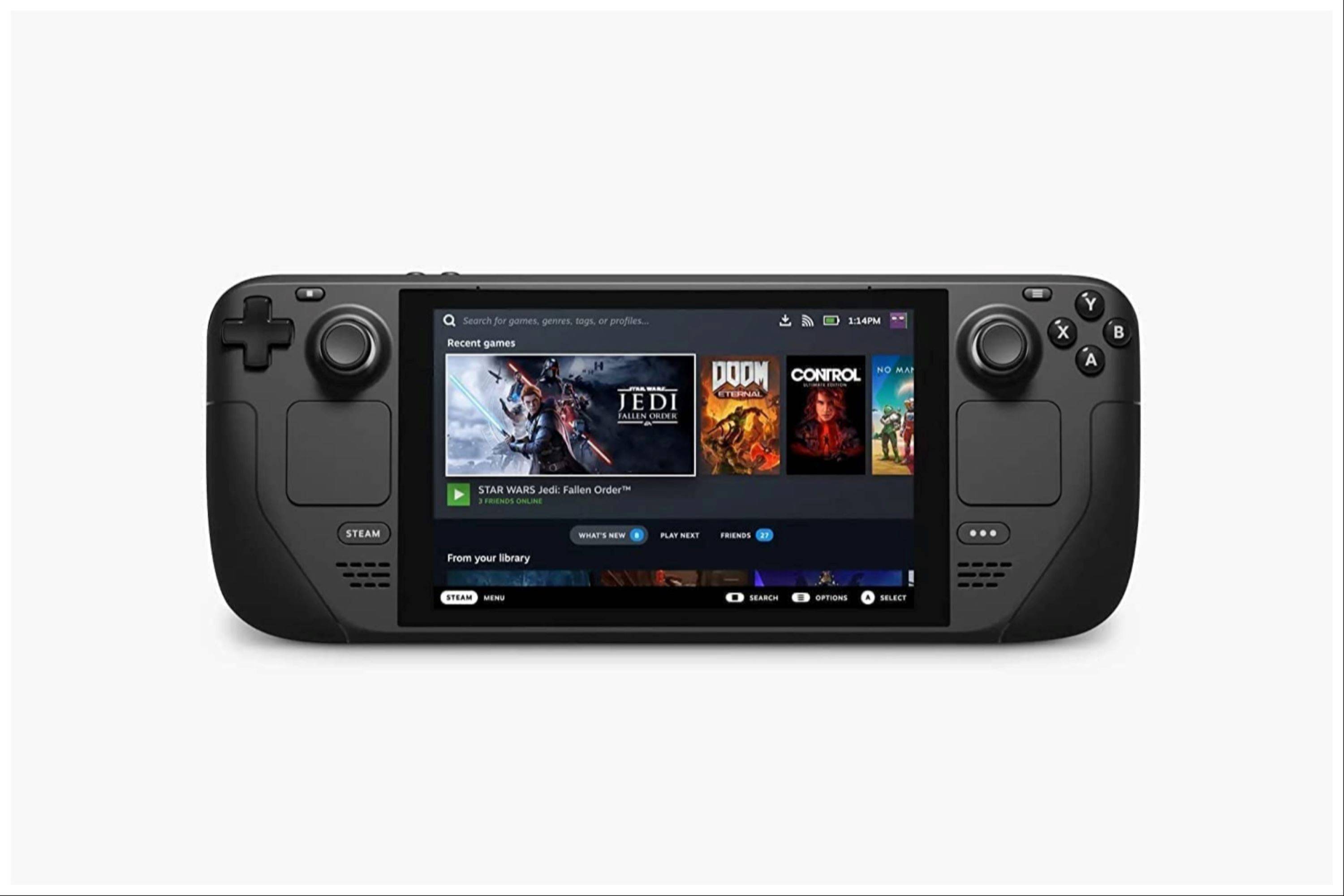 Enjoy your enhanced Game Boy experience on your Steam Deck! Remember to always obtain ROMs legally.
-
 Battleship NETFLIXStep into the exhilarating realm of naval combat with Battleship NETFLIX! Hone your strategic prowess in this timeless guessing game—outmaneuver opponents by locating and sinking their fleet before they strike yours. Battle players worldwide with an
 -
 My Fairy Heavenly Horse GameEmbarque em uma aventura emocionante com o My Fairy Heavenly Horse Game! Neste cativante aplicativo, você assumirá o papel de uma fazendeira virtual que cuida de um lindo cavalo e sua família mágica. Mergulhe no mundo da criação, cuidados e corridas
 -
 Burjeel HealthExperience the next generation of healthcare management with Burjeel Health! This comprehensive mobile app transforms how you engage with your health. Effortlessly book appointments across leading healthcare brands and access your consolidated medic
 -
 EcoWorld NeighbourhoodThe EcoWorld Neighbourhood app is your complete solution for convenient community living. With its diverse set of tools, residents can easily handle household tasks, use amenities, and engage with neighbors on a single, user‑friendly platform. Wheth
 -
 Monster Girl 1000Embark on an epic quest in a charming world full of monster girls with the distinctive and adventurous mobile game, Monster Girl 1000. As the only male in a village, your mission is to partner with 1,000 monster girls to ensure their survival. Team
 -
 2025 CalendarStay Organized and Informed with the Essential 2025 Calendar & Panchang AppThe 2025 Calendar app is your all-in-one solution for daily planning and Hindu calendar tracking. Access comprehensive information about fasting days, Indian festivals, and re
-
 Animal Crossing: Pocket Camp Complete - How to Unlock Lobo
-
 Best MLB The Show 25 Diamond Dynasty Cards & Lineups (March 2025)
-
 Veilguard DLC Delayed for Mass Effect 5
-
 Archero 2 Tier List – Ranking the Best Characters in February 2025
-
 Marvel vs Capcom 2 Original Characters May Show Up in Capcom Fighting Games