

How to Use Photo Mode in Kingdom Come Deliverance 2
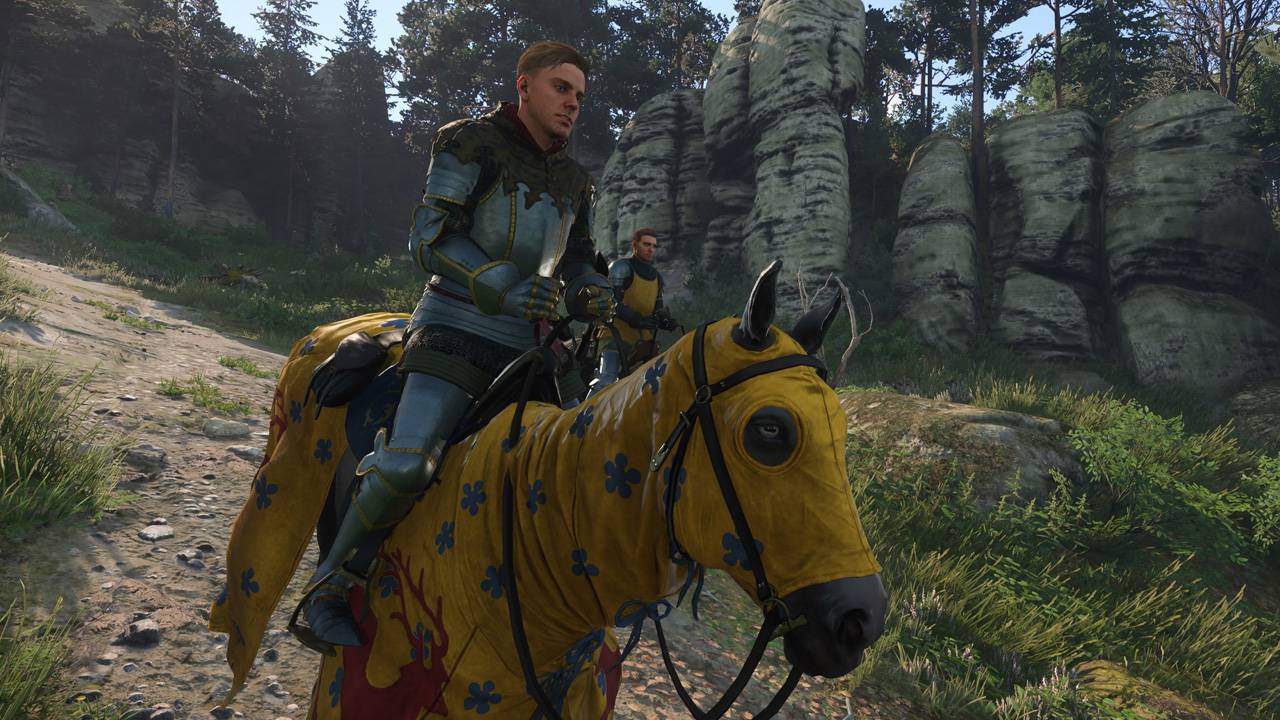
Capture the Beauty of Kingdom Come: Deliverance 2 with Photo Mode
Kingdom Come: Deliverance 2 boasts stunning visuals, especially in fidelity mode. Want to immortalize that beauty? This guide explains how to use the in-game photo mode.
Activating Photo Mode in Kingdom Come: Deliverance 2
Unlike some games that lack photo mode at launch or never receive one, Kingdom Come: Deliverance 2 includes this feature. Here's how to activate it:
- PC: Press F1 (keyboard) or simultaneously press L3 and R3 (joypad).
- Xbox Series X|S / PlayStation 5: Simultaneously press L3 and R3 (joypad). (L3 and R3 refer to pressing both joysticks inward.)
Once activated, time pauses, and you're in photo mode!
Using Photo Mode in Kingdom Come: Deliverance 2
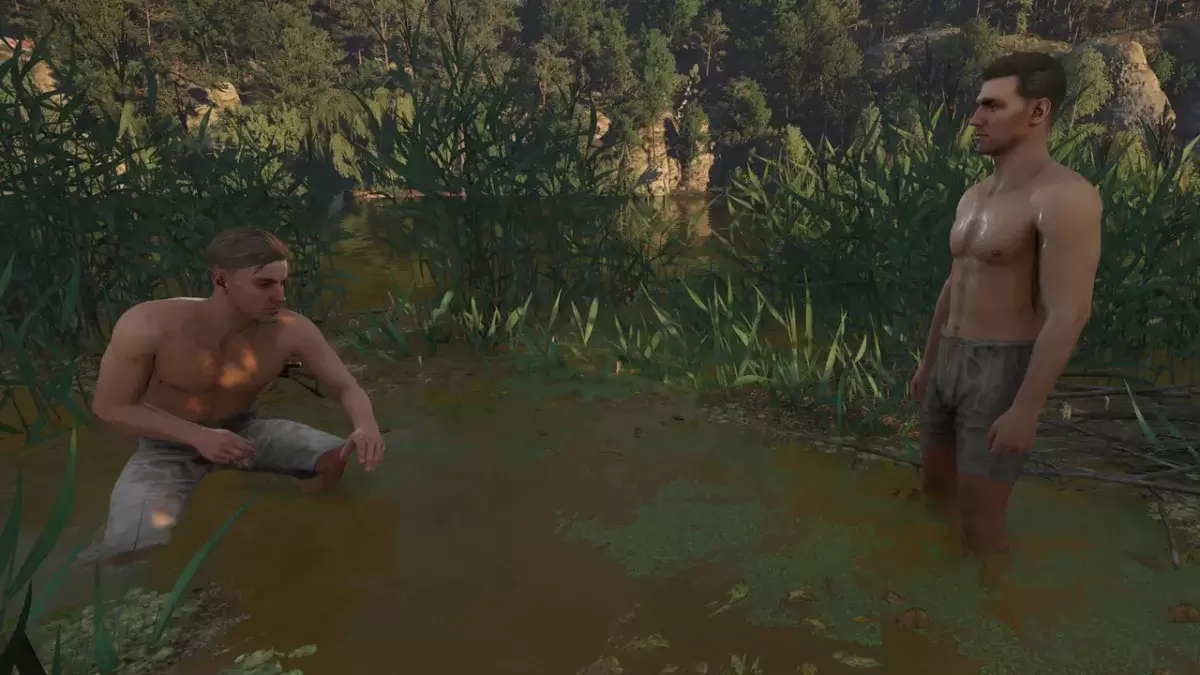
Photo mode allows camera movement around Henry, including vertical movement (flying up and down) and zoom. Here are the controls:
Xbox Series X|S:
- Rotate camera: Left Stick
- Horizontal camera movement: Right Stick
- Move camera up: Left Trigger/LT
- Move camera down: Right Trigger/RT
- Hide interface: X
- Exit photo mode: B
- Take picture: Press Xbox button, then Y
PlayStation 5:
- Rotate camera: Left Stick
- Horizontal camera movement: Right Stick
- Move camera up: Left Trigger/LT
- Move camera down: Right Trigger/RT
- Hide interface: Square
- Exit photo mode: Circle
- Take picture: Press the Share button and select "Take Screenshot" (or hold down Share).
PC (keyboard and mouse):
- Move camera: Mouse
- Slow movement: Caps Lock
- Hide interface: X
- Exit photo mode: Esc
- Take picture: E
PC screenshots are saved to your Pictures folder, while console screenshots are saved to your console's capture gallery.
Limitations of Kingdom Come: Deliverance 2's Photo Mode
Currently, the photo mode's features are somewhat limited. While you can freely position the camera within a certain range of Henry, options like character posing, color grading, time of day adjustment, or character placement are absent. Hopefully, Warhorse Studios will add these features in future updates.
Despite its current limitations, the inclusion of a photo mode is appreciated, offering a basic but functional tool to capture the game's beauty.
-
 波拉西亞戰記"Bolasia Wars" is a cross-platform, large-scale MMORPG featuring 4K graphics. It empowers every player to enjoy thrilling warfare anytime, anywhere—free from time or geographic constraints—and forge their own epic tale within a seamless open world.Bo
 -
 Black Desert MobileMajor Content Renewal | New UpdateTHE WORLD-CLASS MMORPG 『Black Desert Mobile』Are you an MMORPG fan who thrives on adventure and combat?"Black Desert" is a globally acclaimed MMORPG played by 40 million users worldwide.Discover the true mobile MMORPG
 -
 Tower of FantasyBegin your fantasy adventure in this open-world sci-fi MMORPG!Embark on an incredible journey together in Tower of Fantasy, an open-world MMORPG packed with diverse in-game events and rewards!Set hundreds of years in the future on the distant planet
 -
 City Shop SimulatorStart as the owner of a small store and build it into a thriving supermarket empire.Welcome to City Shop Simulator, an engaging game where you take over your own store and grow it from a modest shop into a massive supermarket.Your journey begins with
 -
 The King of Fighters '98UM OLCelebrate the 7th Anniversary of "KOF'98 UM OL"!Marking seven incredible years, the legendary fighting game masterpiece "THE KING OF FIGHTERS" ("KOF") is here with a major anniversary celebration! To commemorate this milestone, a brand-new LR fighter
 -
 King's ChoiceRule your very own empire! The crown is yours. Your kingdom awaits your command!King's Choice is an immersive RPG that simulates life in a medieval European royal court. Step into the role of a legendary monarch: recruit famed generals, encounter stu
-
 Best MLB The Show 25 Diamond Dynasty Cards & Lineups (March 2025)
-
 Archero 2 Tier List – Ranking the Best Characters in February 2025
-
 Animal Crossing: Pocket Camp Complete - How to Unlock Lobo
-
 Epic Games Unveils Free Bridge Constructor: The Walking Dead and Idle Champions Rewards
-
 Veilguard DLC Delayed for Mass Effect 5