

Home > Apps > Art & Design > Cross Stitch Pattern Creator

| App Name | Cross Stitch Pattern Creator |
| Developer | Crochet Designs |
| Category | Art & Design |
| Size | 7.1 MB |
| Latest Version | 5.0.2 |
| Available on |


Design your own custom cross stitch patterns.
Cross Stitch Pattern Creator
Includes 4 free sample patterns. Free to download. Activation costs $2.99.
For best experience, use a tablet due to cross stitch pattern dimensions.
Build unique cross stitch patterns with the Cross Stitch Pattern Creator
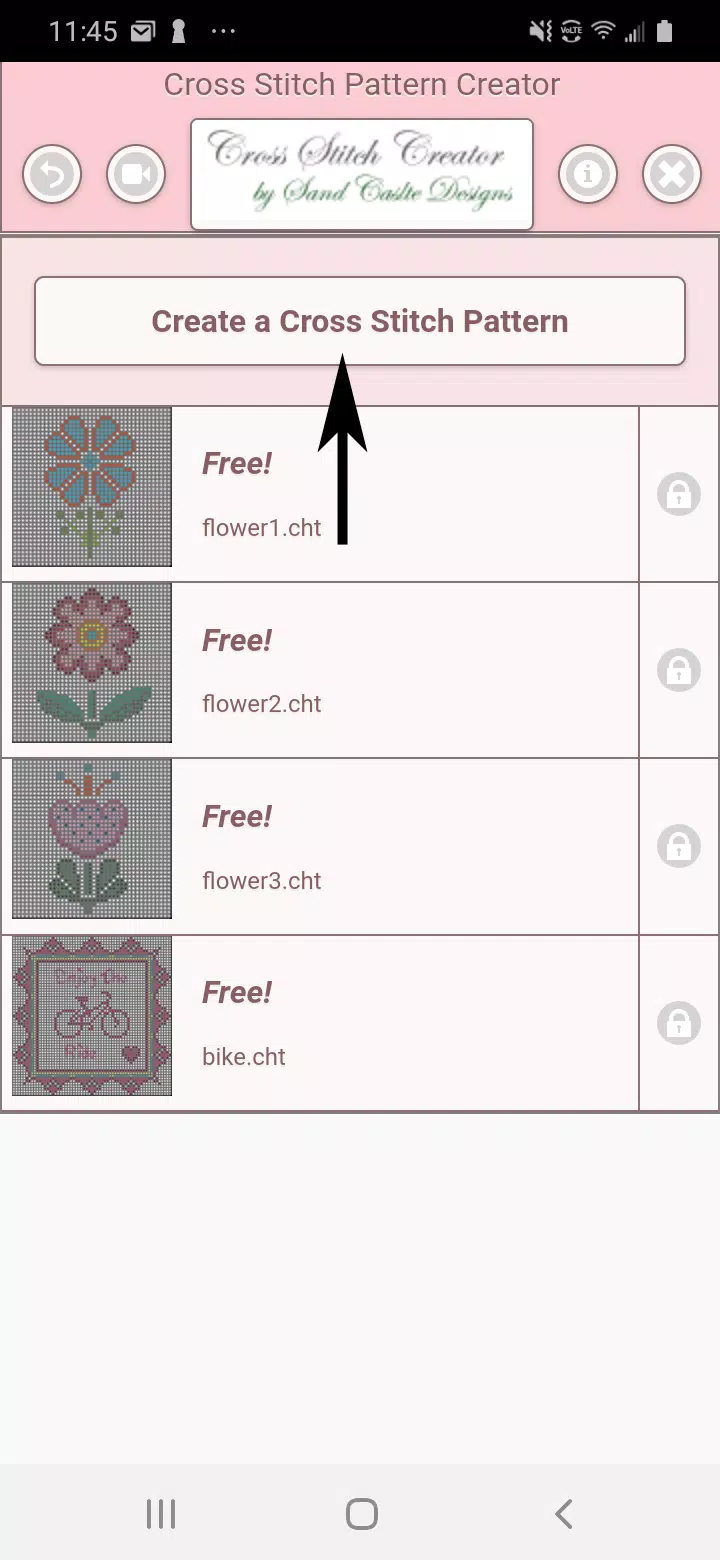
To begin creating patterns, click the "Create a Cross Stitch Pattern" button.
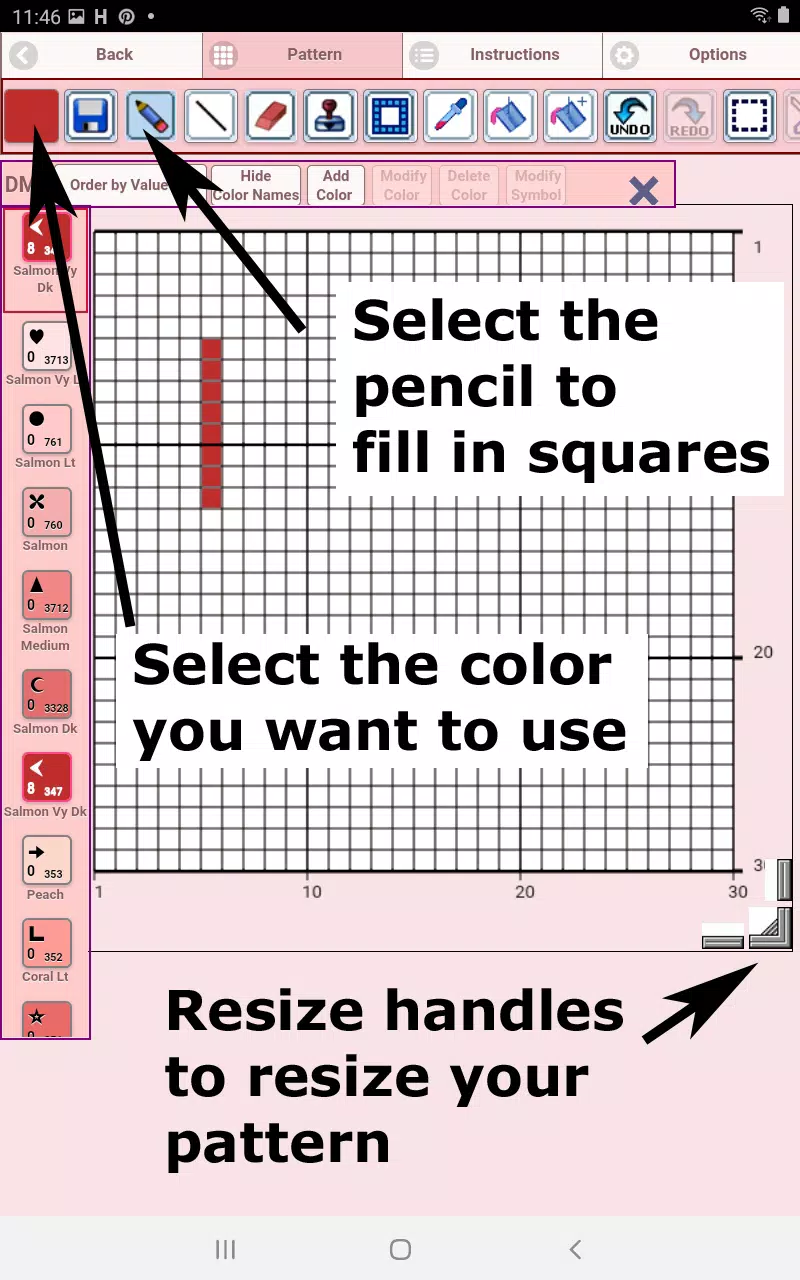
The Cross Stitch Pattern Editor opens. Fill squares with DMC floss colors.
You can also add custom colors if desired.
Getting started - Use the pencil tool to fill squares in your pattern. Use the eraser to clear filled squares.
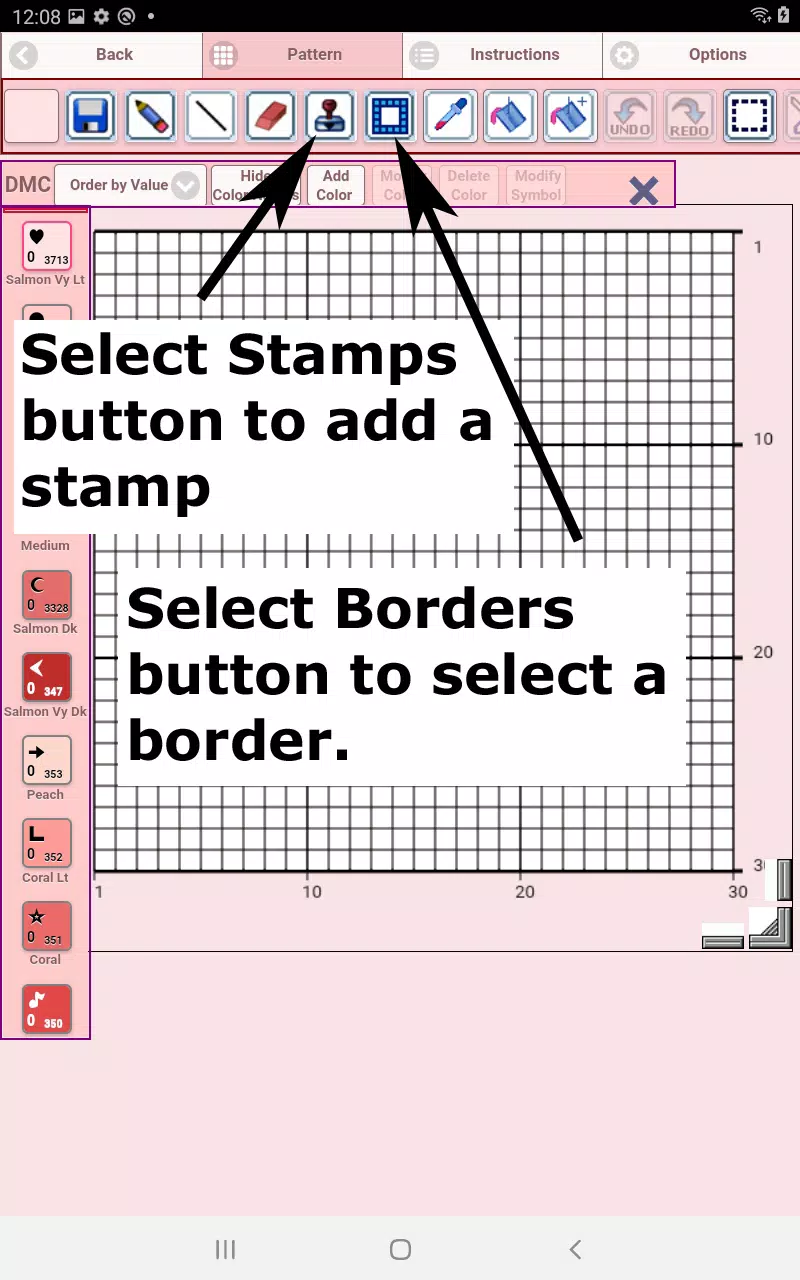
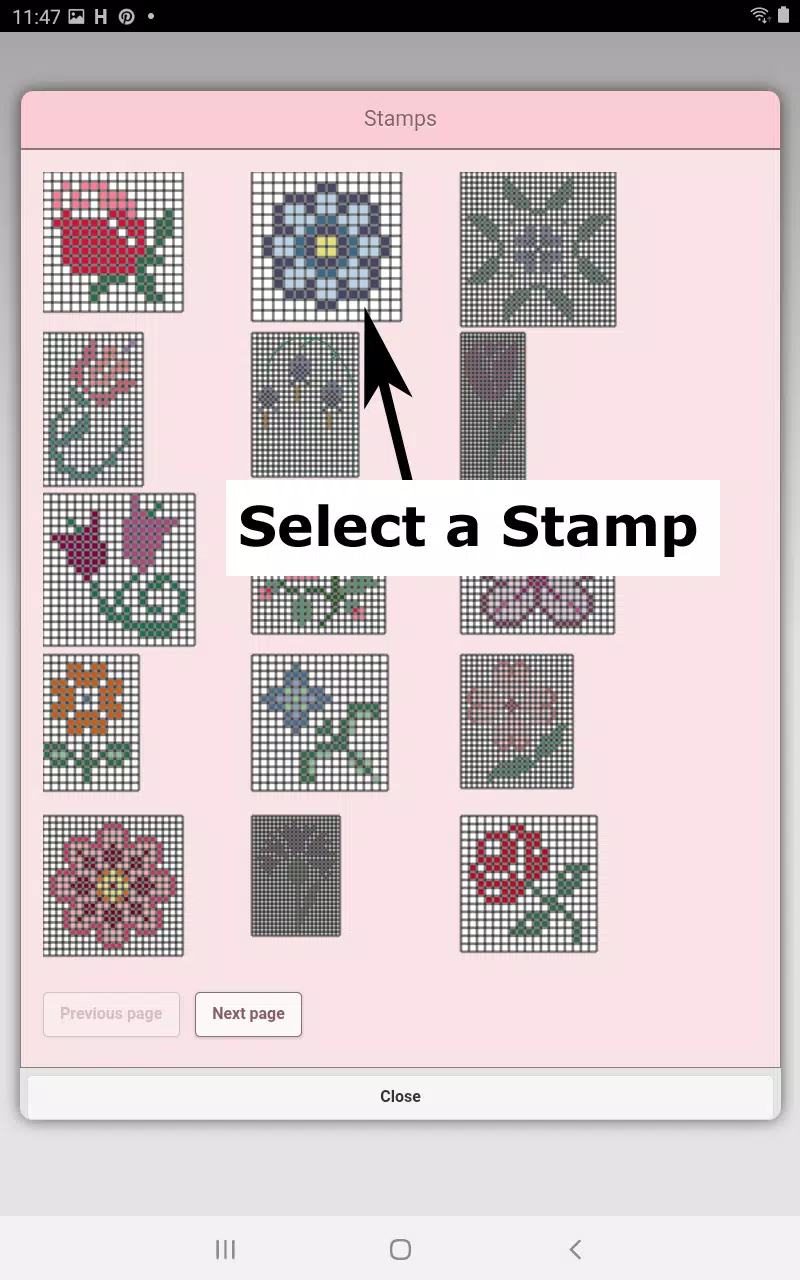
Choose from over 80 stamps and borders to apply to your cross stitch pattern.
Button bar functions from left to right:
DMC Floss Color - select your preferred floss color
Save - saves your pattern
Pencil - fills squares in your cross stitch pattern
Eraser - removes filled squares and backstitch lines
Backstitch - First choose color, then add backstitch lines to your pattern
Backstitch Move - Select and drag backstitches to new positions
Backstitch Adjust - Select a backstitch, then reposition either end using blue control points
Stamps - small decorative elements to enhance your pattern
Borders - decorative borders that automatically wrap around your pattern
Dropper - extracts colors from your pattern for reuse
Bucket - fills selected areas with current color
Bucket+ - replaces existing colors with currently selected color
Undo - reverses your last action
Redo - restores changes you undid
Selection Box - selects pattern areas for cutting/copying/rotating/flipping
Cut - First select area with Selection Box, then remove selected pattern section
Copy - First select area with Selection Box, then copy to clipboard
Paste - Paste copied area, then position it where desired
Rotate - rotates selected area or entire pattern
Flip Horizontal - flips selected area or entire pattern left/right
Flip Vertical - flips selected area or entire pattern top/bottom
Zoom In - enlarges pattern view
Zoom Out - reduces pattern view
Symbols - shows unique symbols for each color value
Picture - convert device images into patterns
Social Media - share patterns via email, text, etc.
Resize Handles - located at bottom right corner, drag to adjust pattern size
Settings - modify grid color, switch fill style between Solid and X's,
hide row/column counters
Instructions - shows DMC colors used and finished sizes for
various Aida Cloth counts
Preview - displays how your pattern appears when stitched.
Adjust fabric color as needed.
-
 Best MLB The Show 25 Diamond Dynasty Cards & Lineups (March 2025)
-
 Archero 2 Tier List – Ranking the Best Characters in February 2025
-
 Animal Crossing: Pocket Camp Complete - How to Unlock Lobo
-
 Epic Games Unveils Free Bridge Constructor: The Walking Dead and Idle Champions Rewards
-
 Veilguard DLC Delayed for Mass Effect 5
-
 Marvel vs Capcom 2 Original Characters May Show Up in Capcom Fighting Games